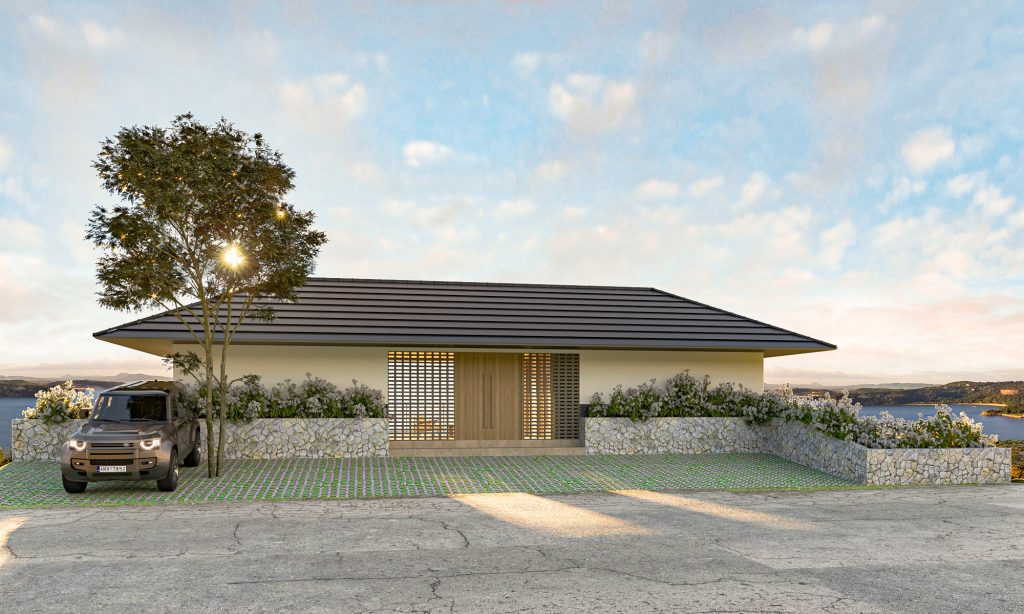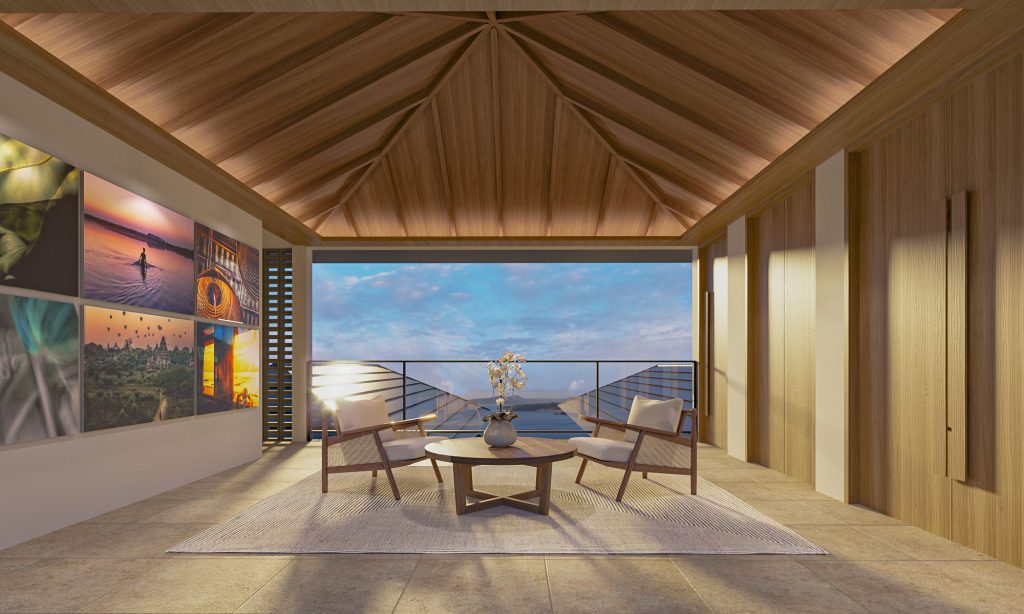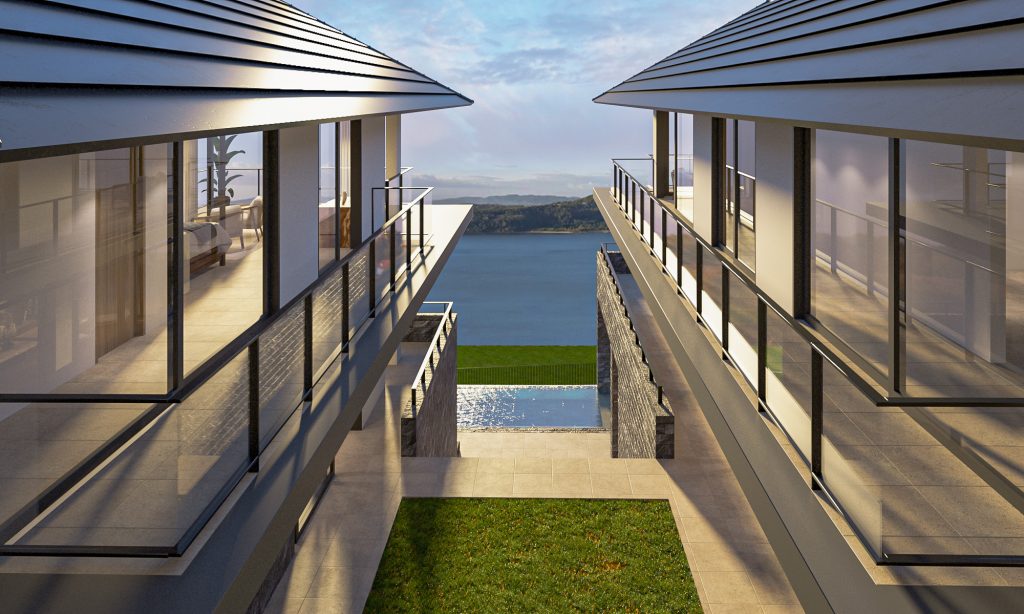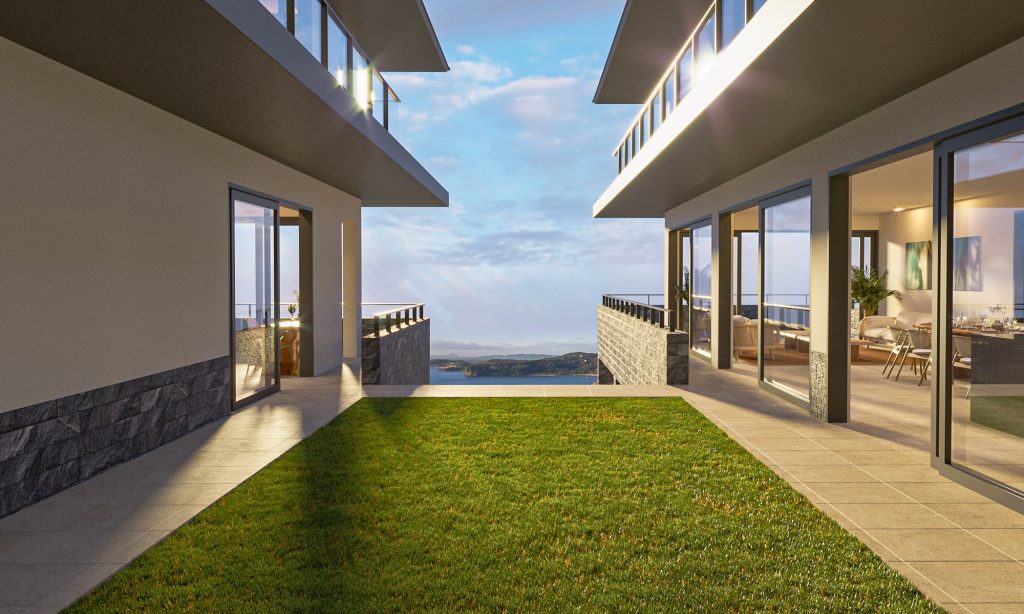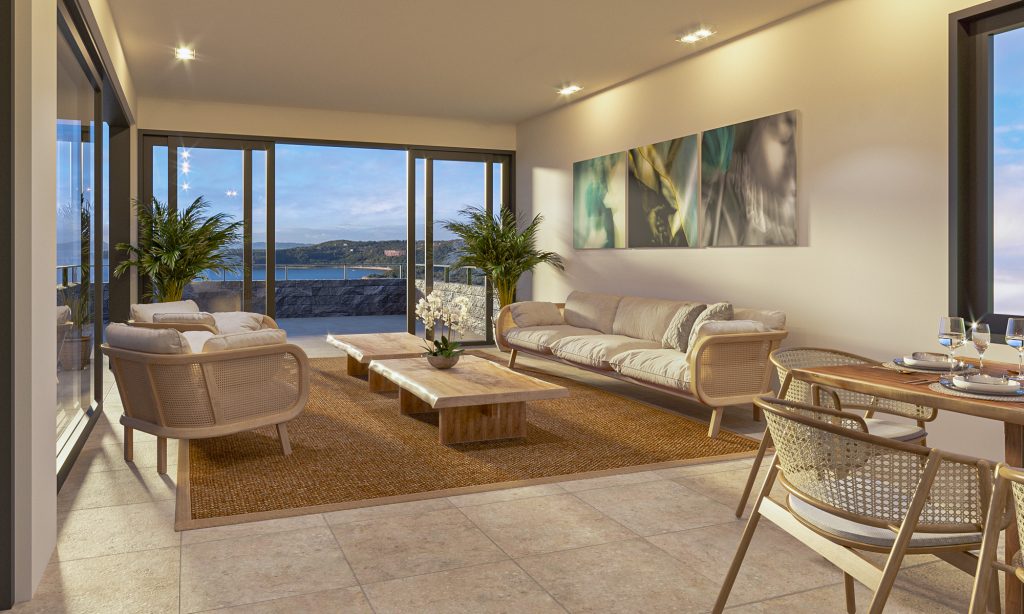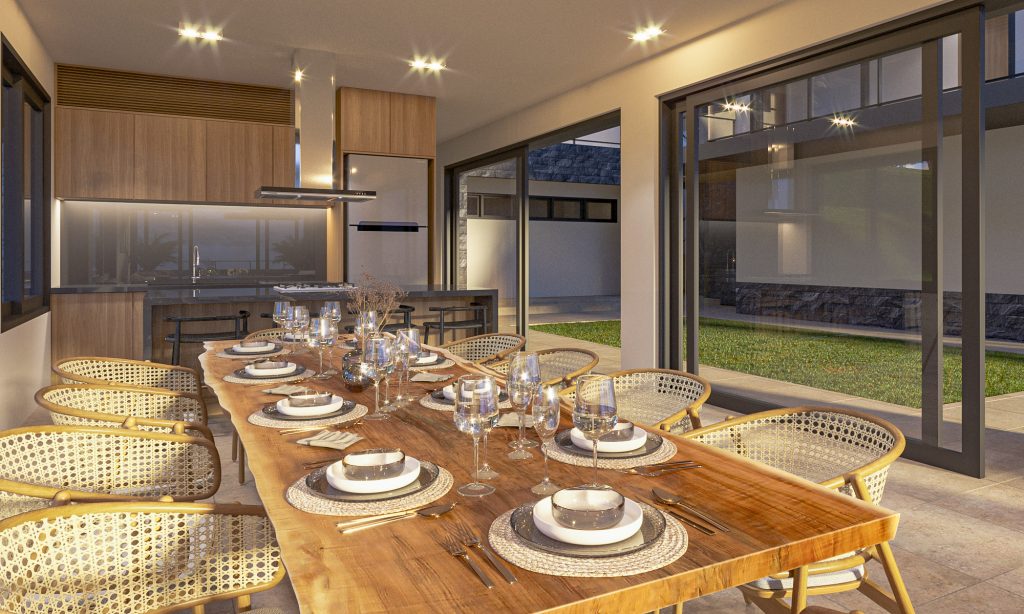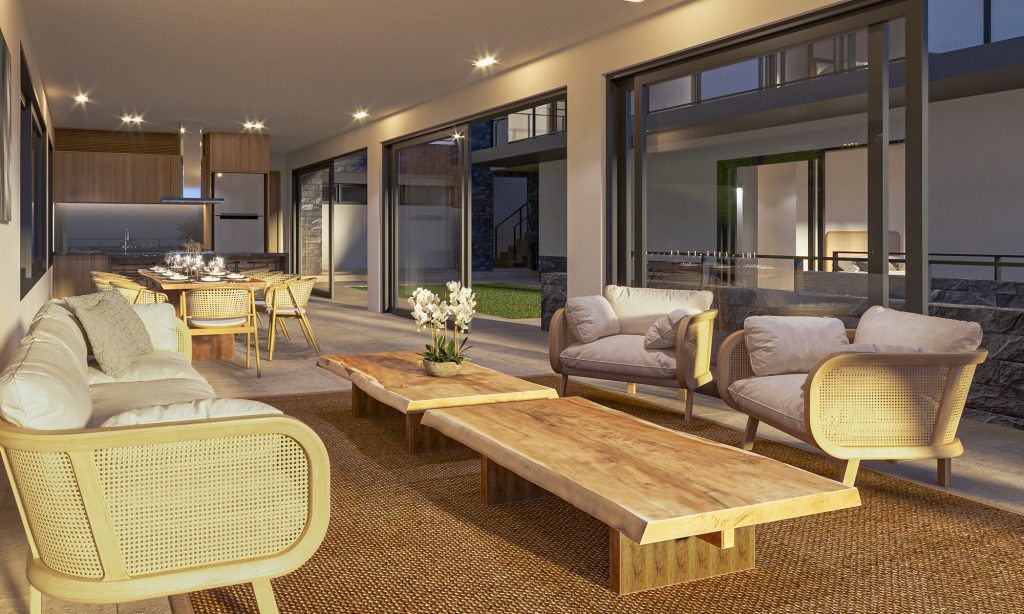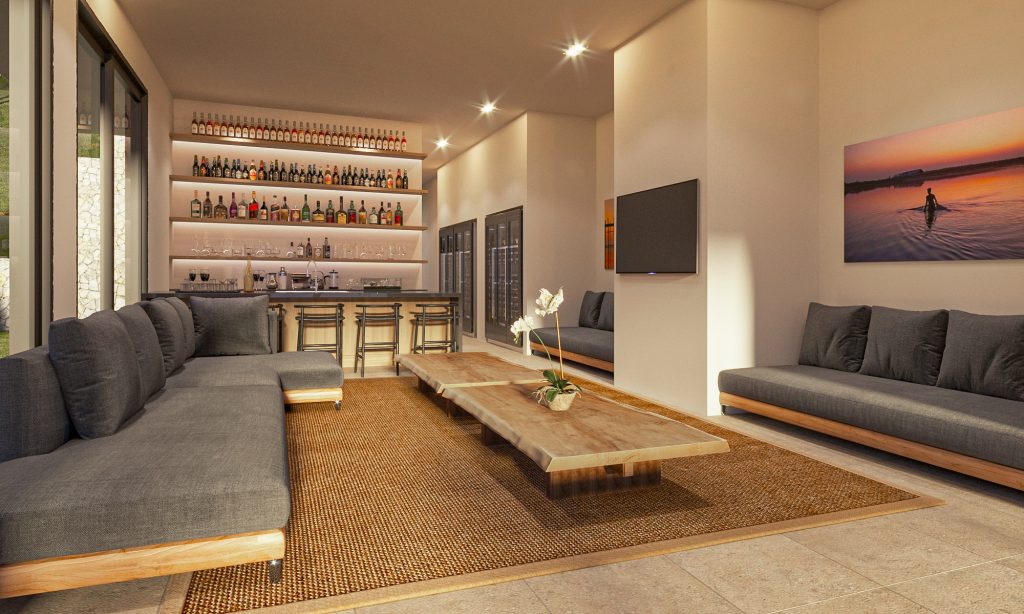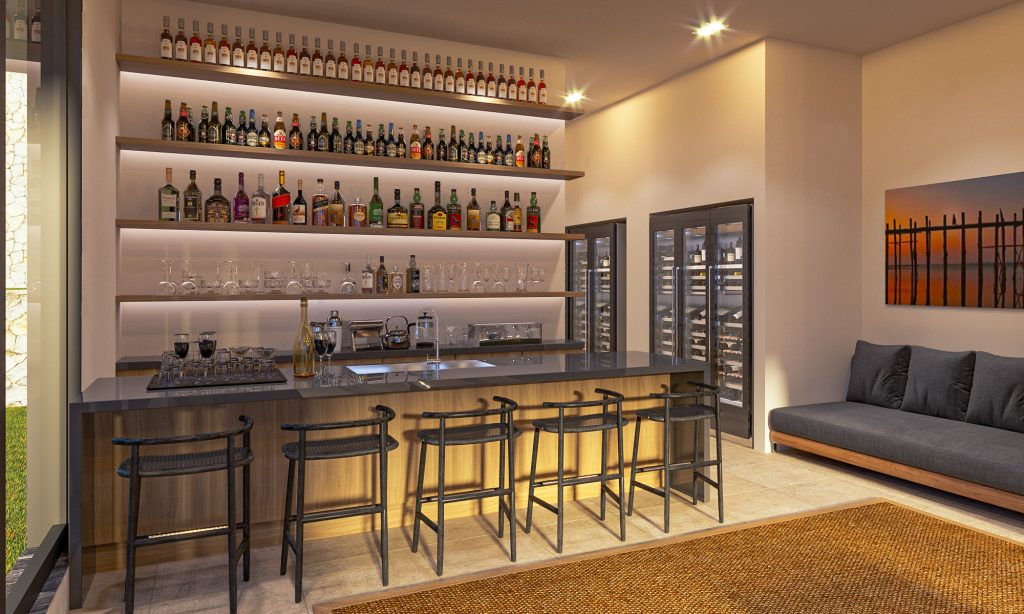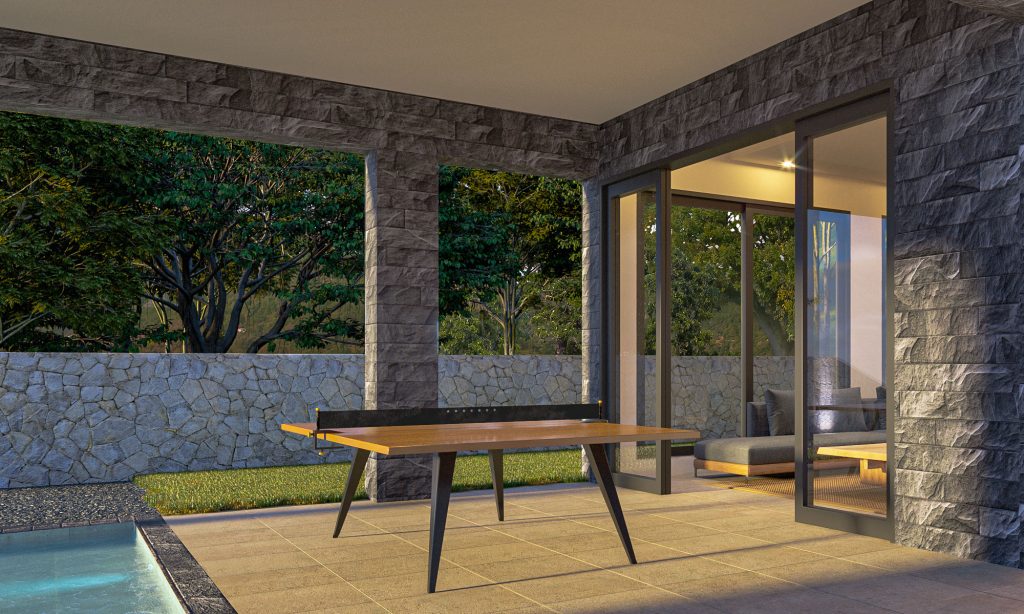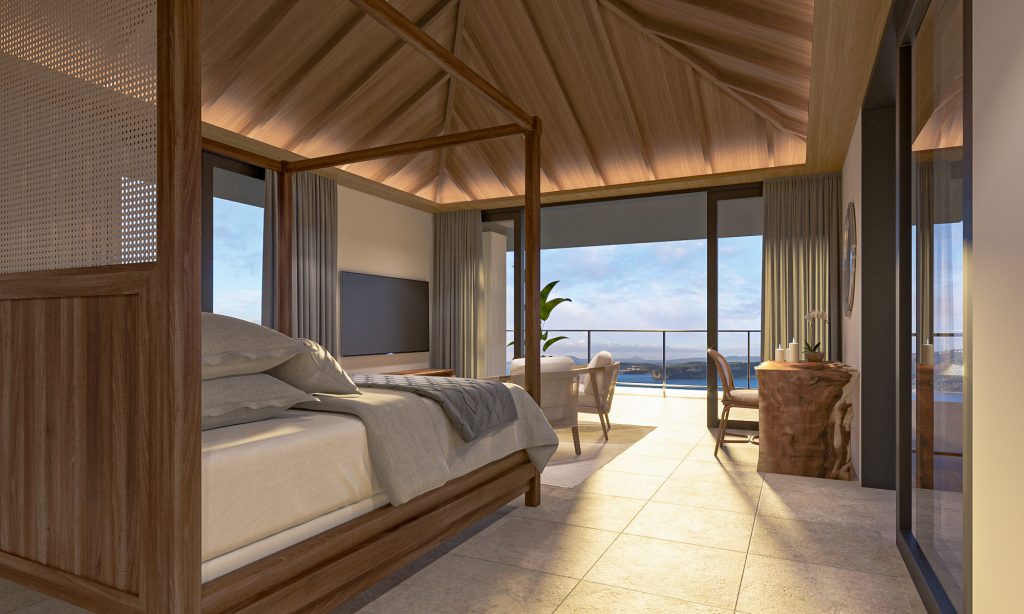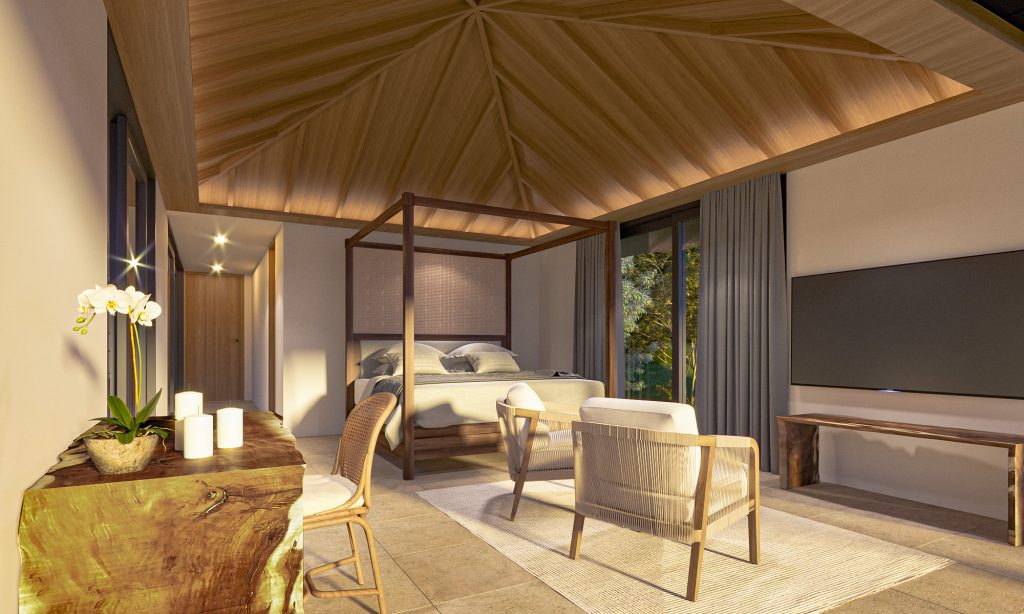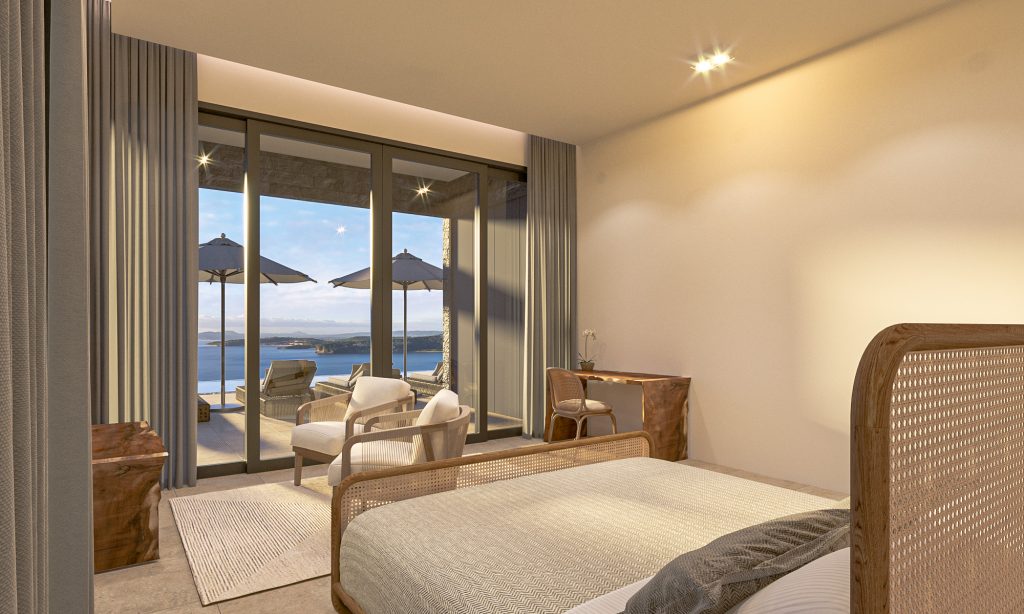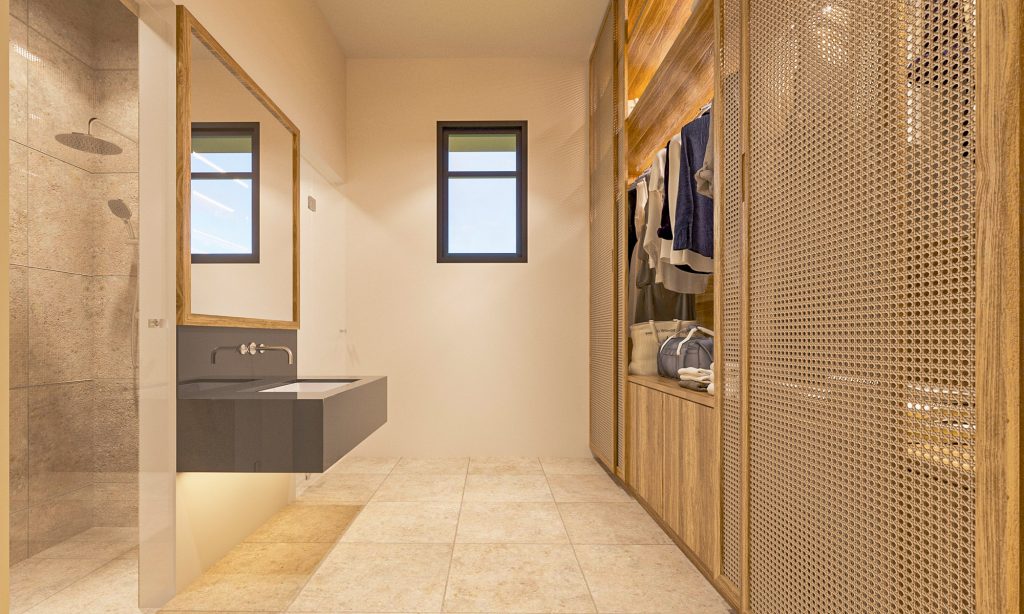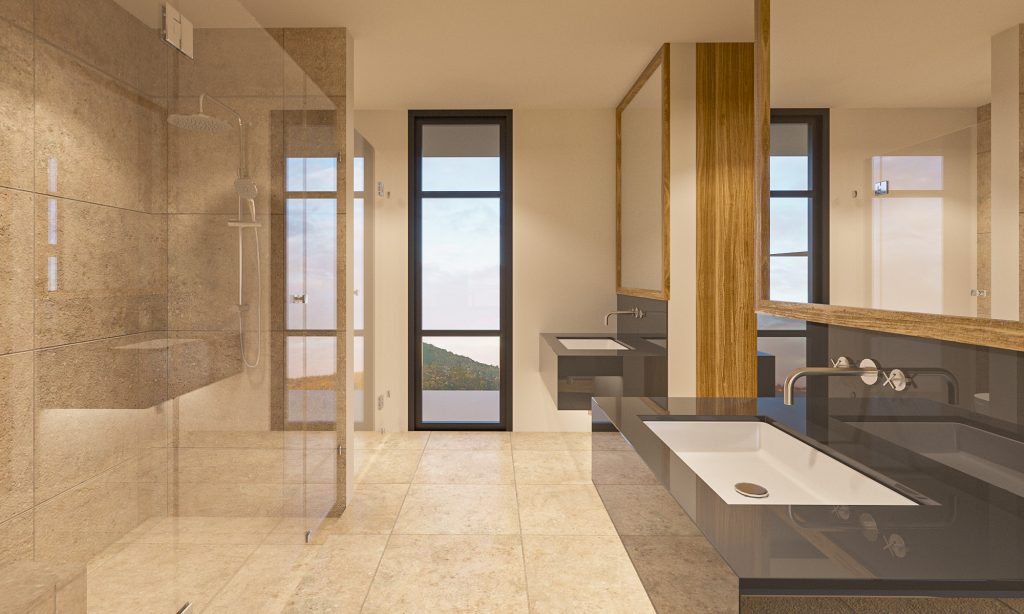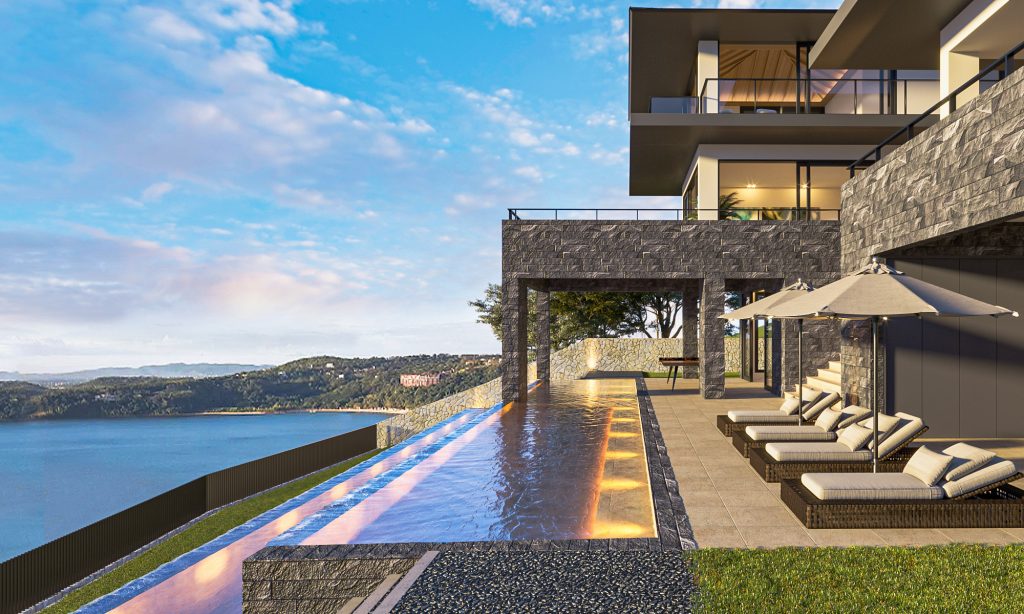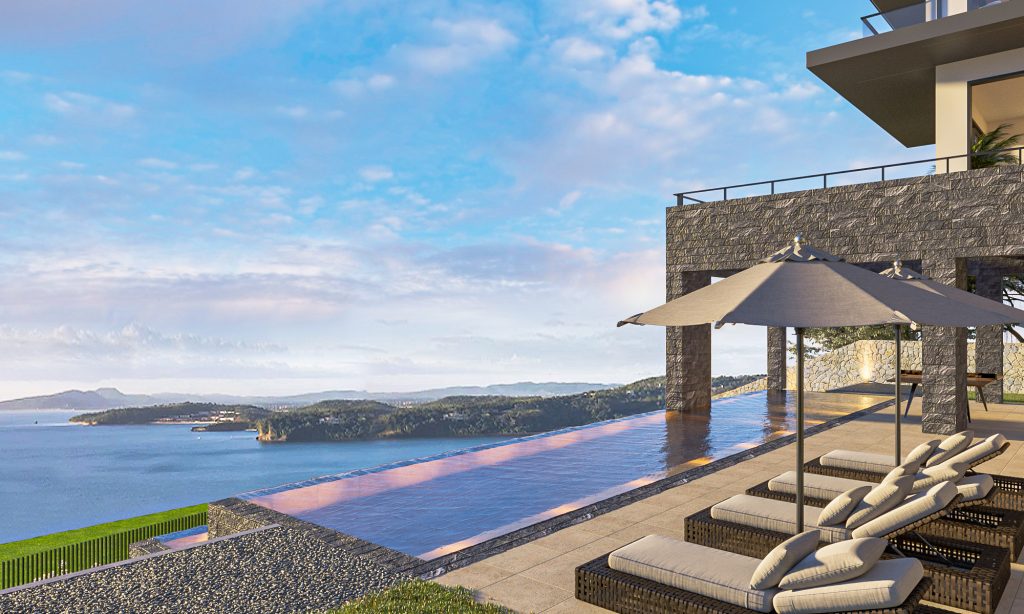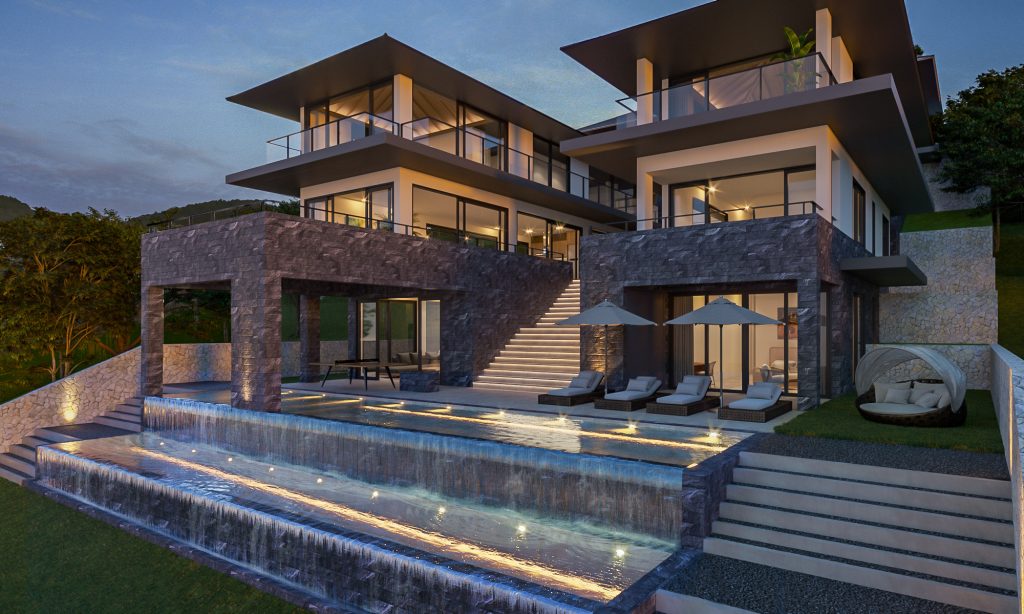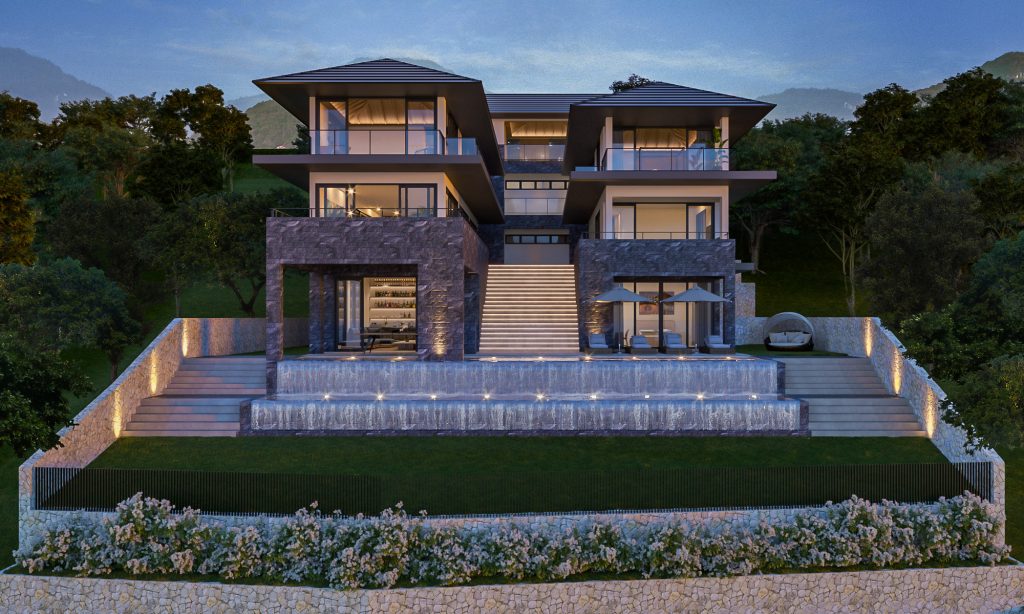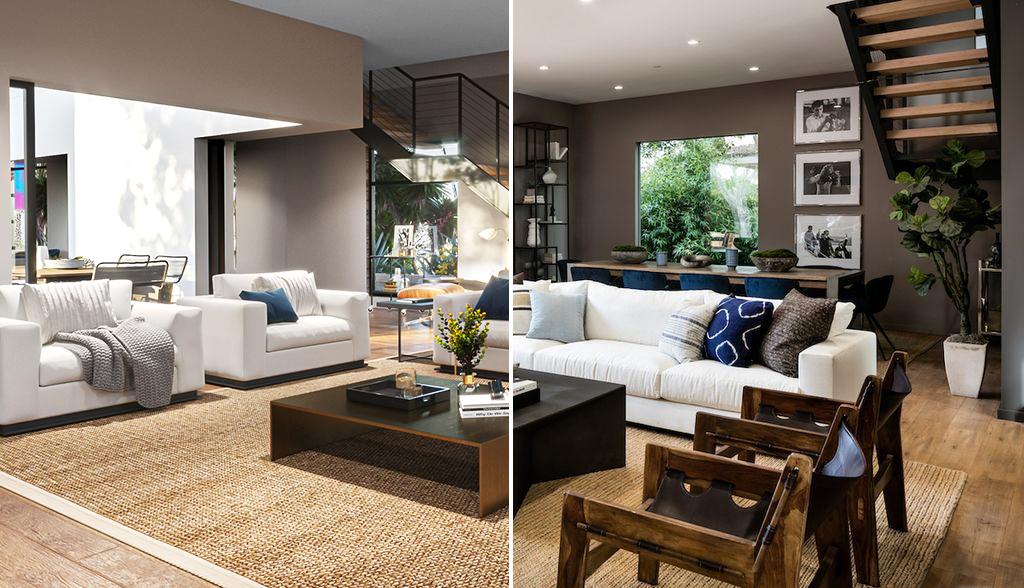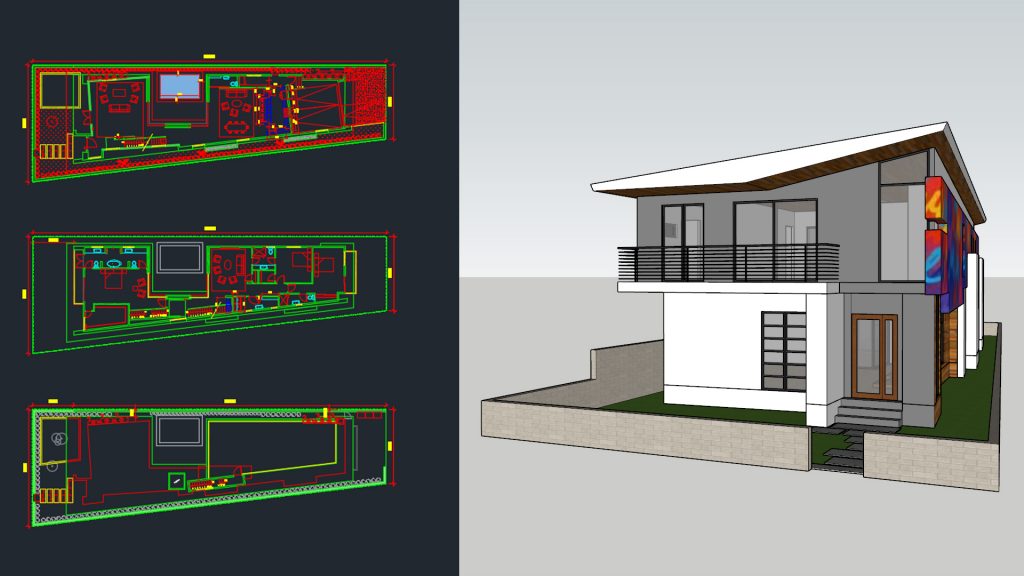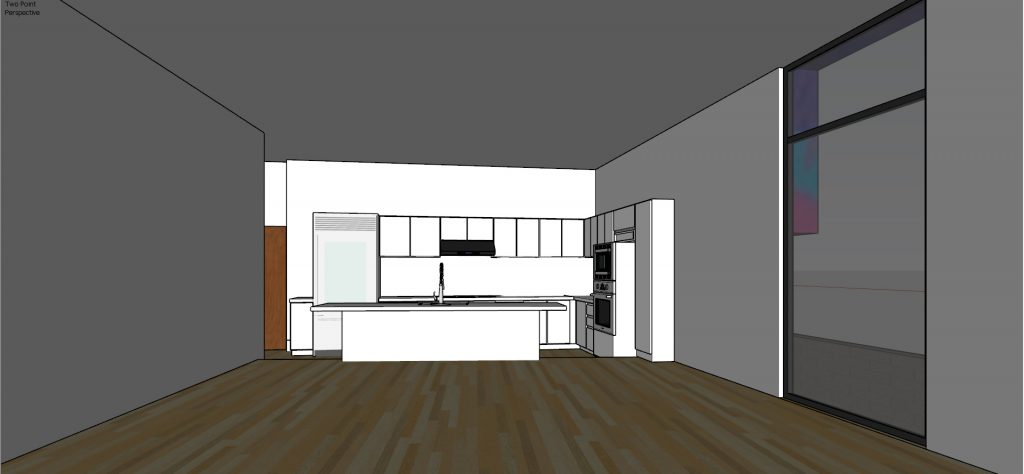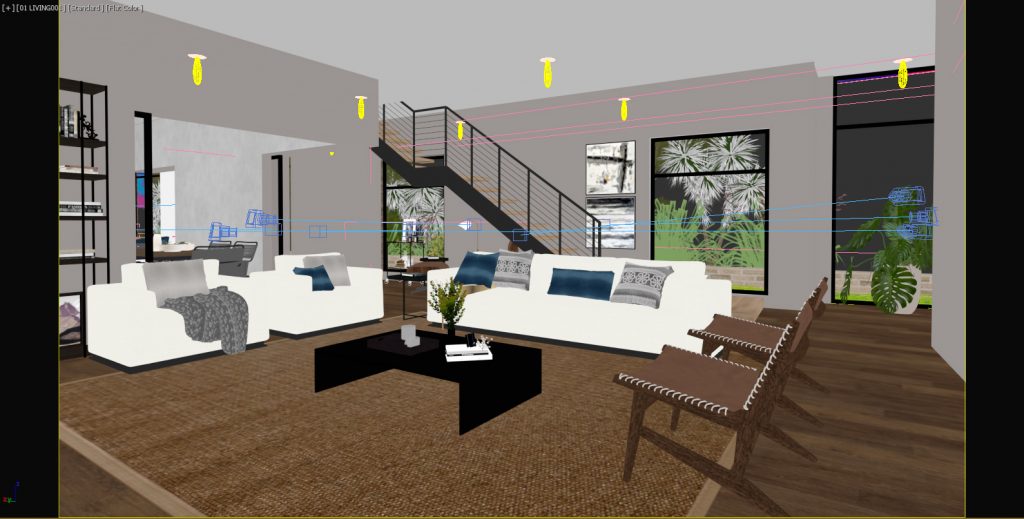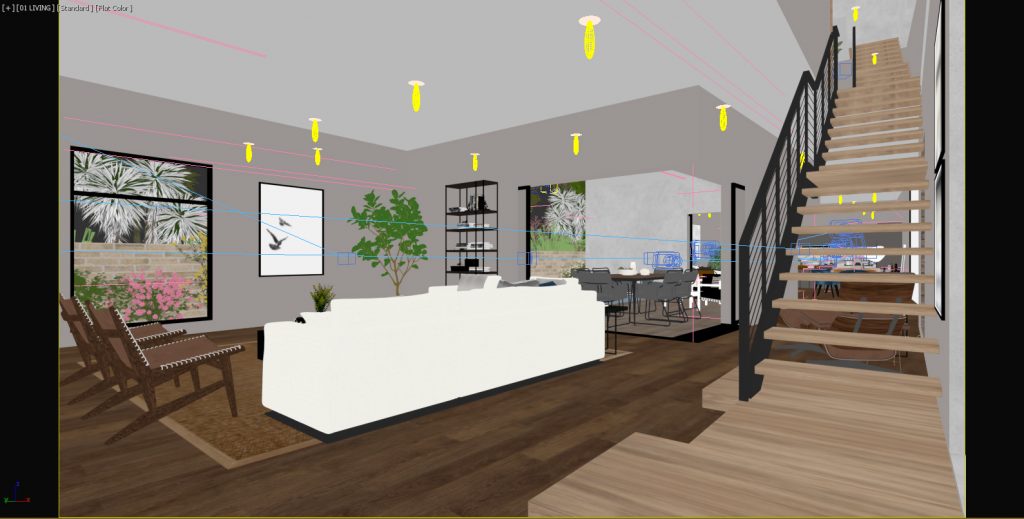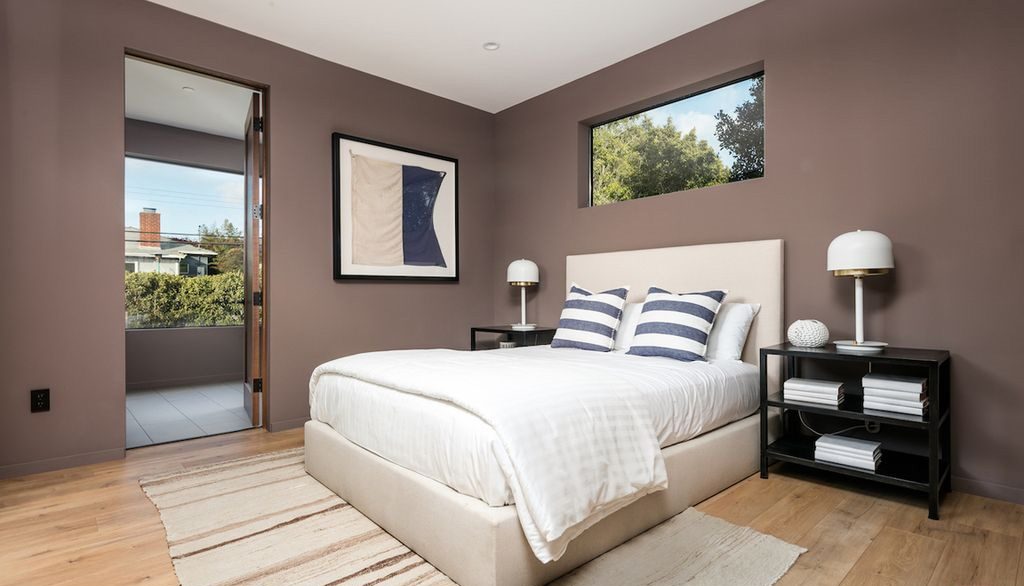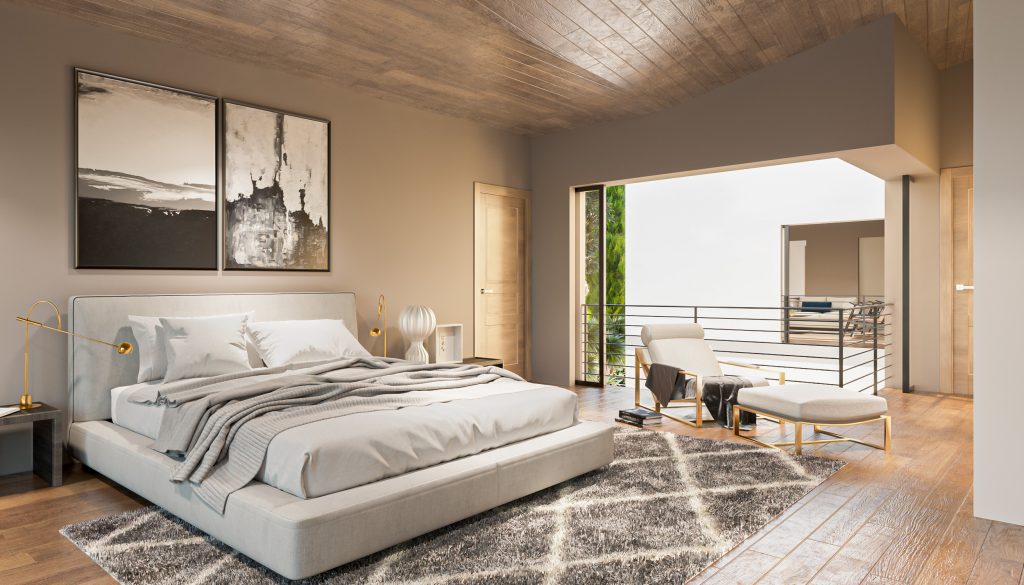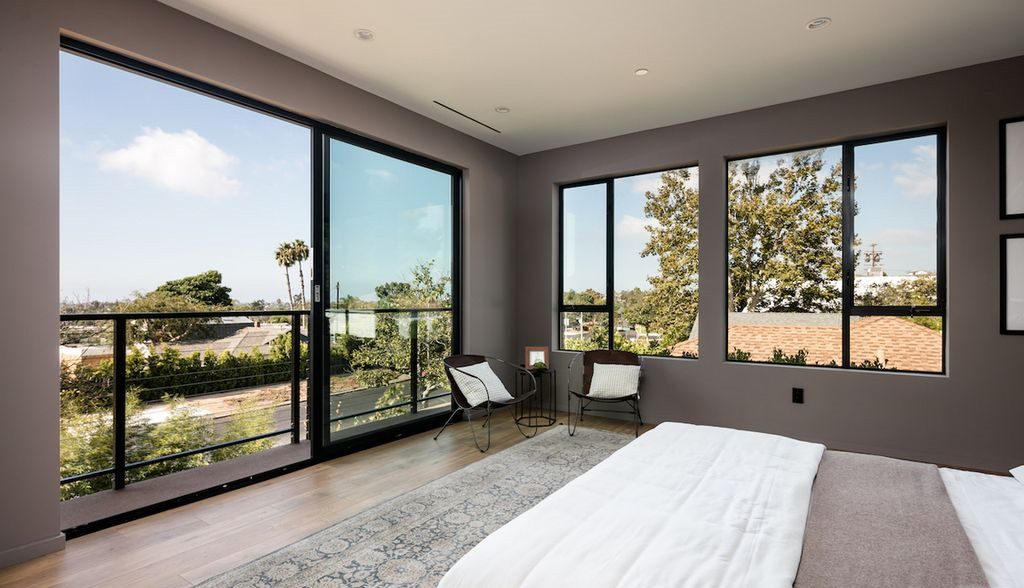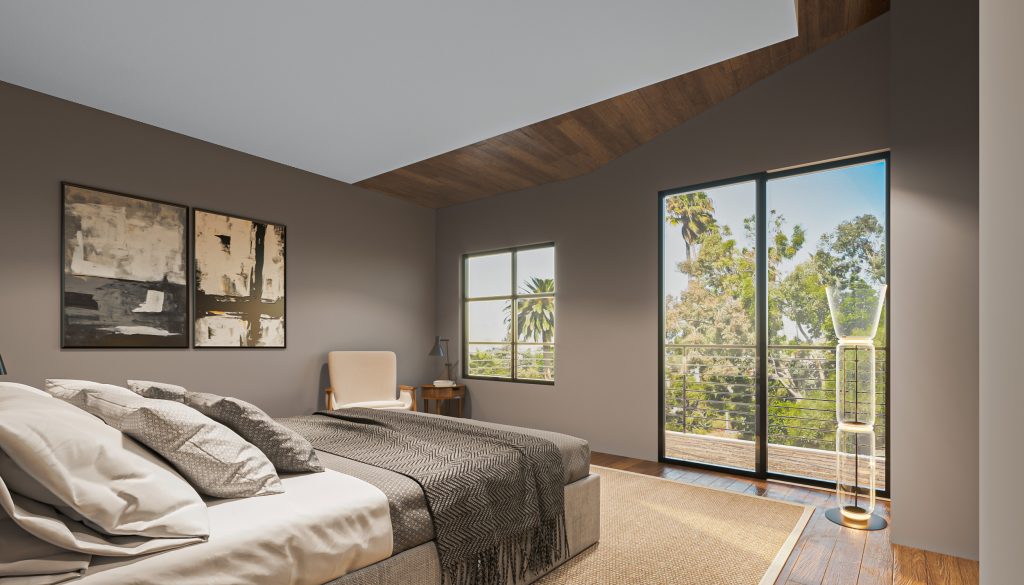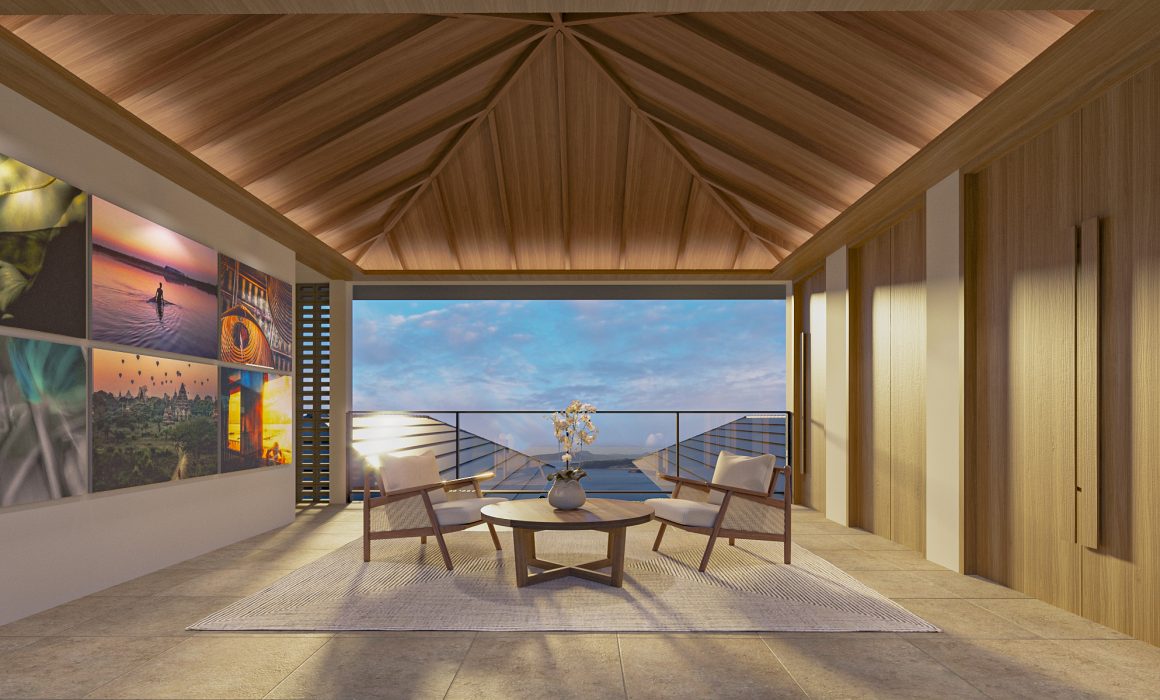
It is one thing to read architectural plans in 2D, seeing the project in full 3D gives it a whole new light. There are always some nooks and crannies undiscovered, there are these huge empty spaces needed to be filled. For this project, this is where we came in. Dressing the spaces up and making them come to life is part of the what we do.
THE PROJECT
700 Brooks Ave Residence
We love doing residential 3D renderings and interiors are our favorite. There is something about doing visuals for future home owners that warms our hearts. We love that we get to be a part of the design process through the images that we make.
Files from the Project Architects: Basic Cad and Sketchup File
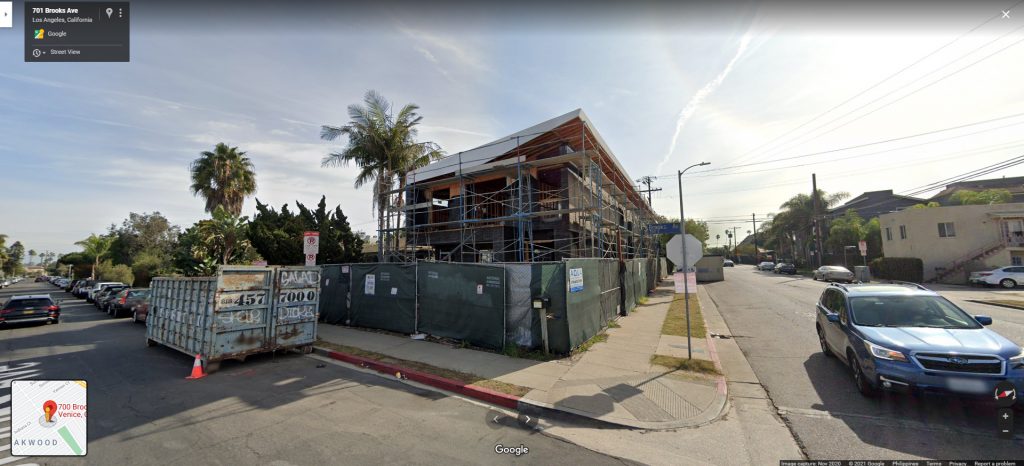
Google Street View reveals that construction is ongoing and it is looking great.
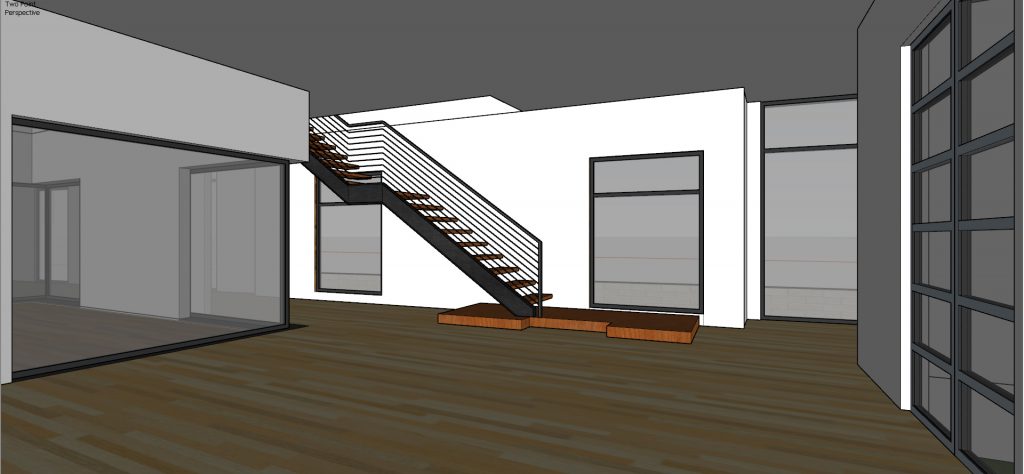
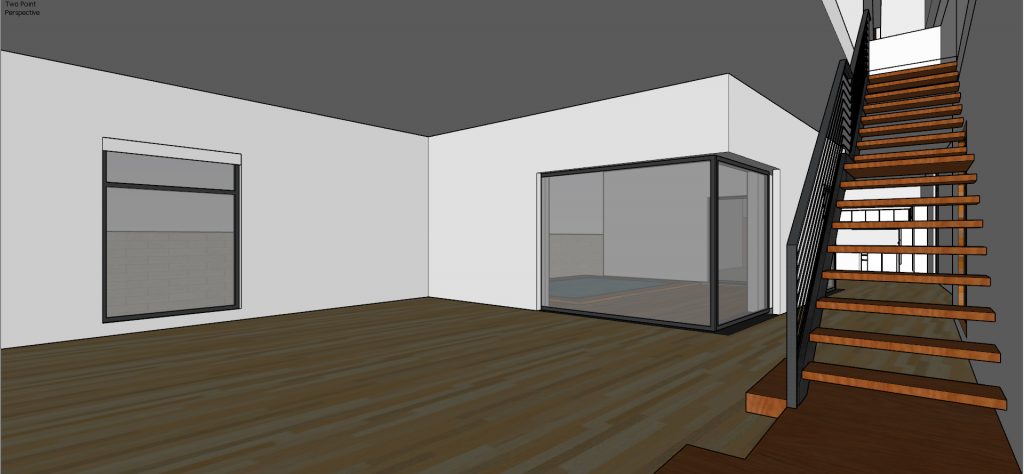
Gibbs Architects, the architecture firm behind this home, tasked us to create the interior visuals for the clients. Taking up the challenge, we transformed this bare SketchUp model into realistic interior renderings.


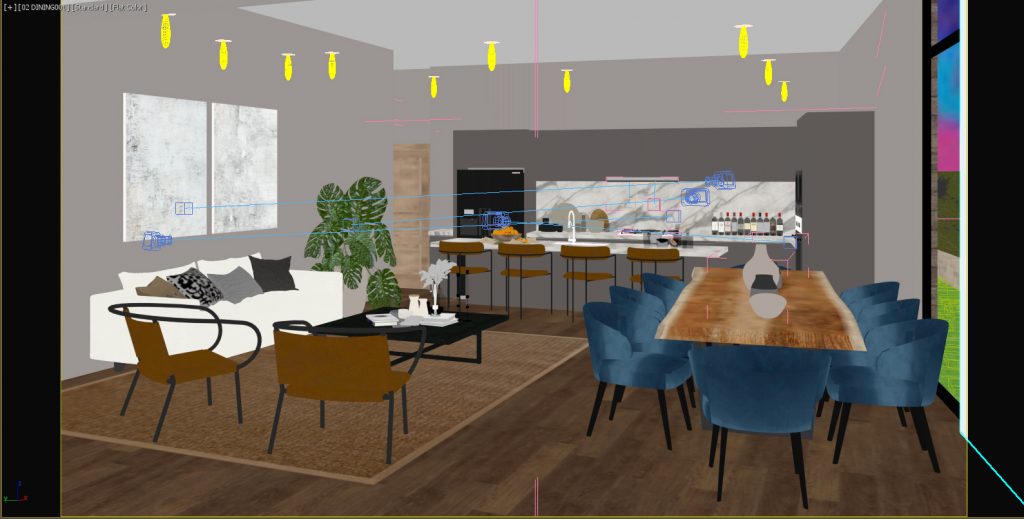
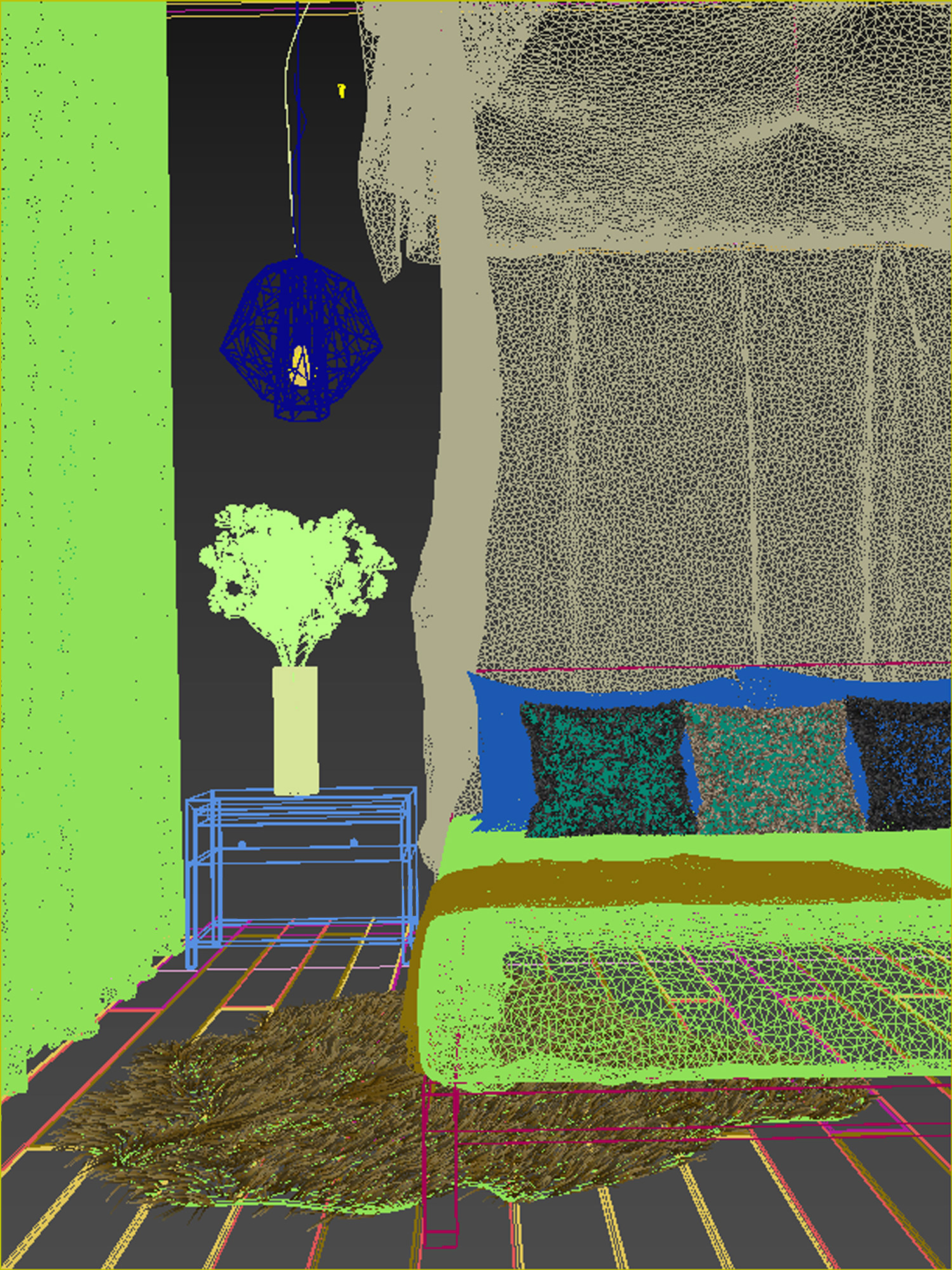
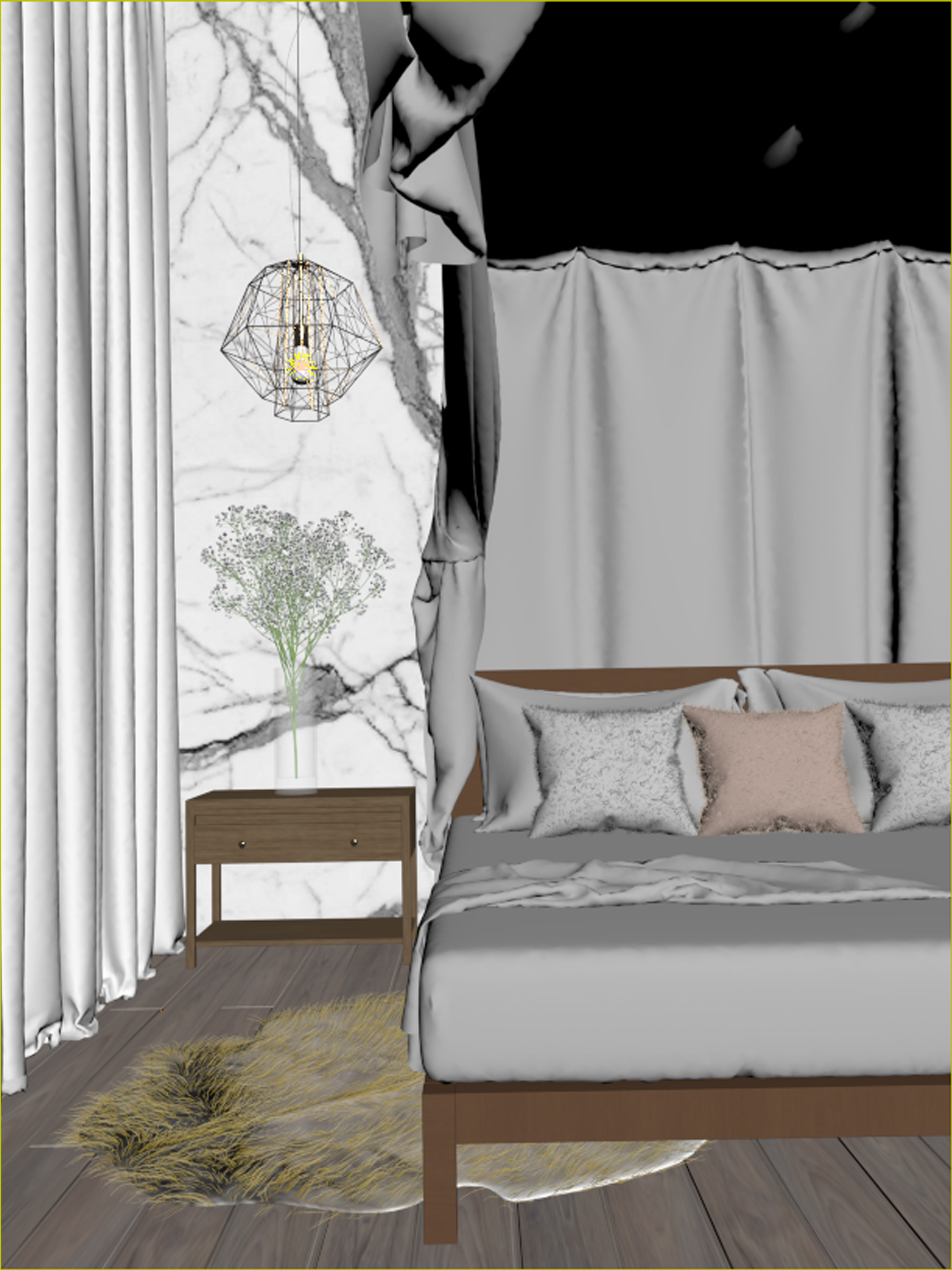
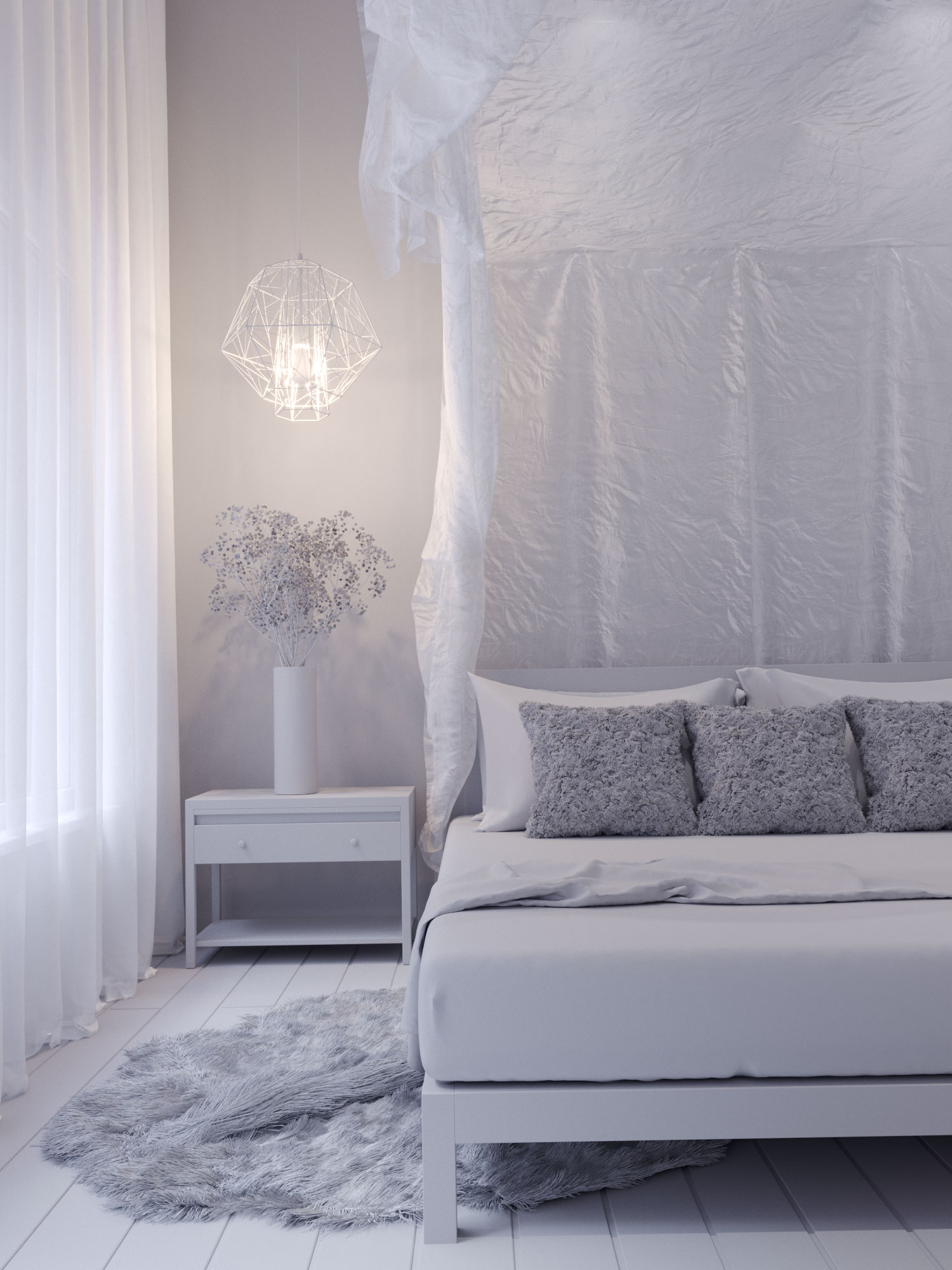
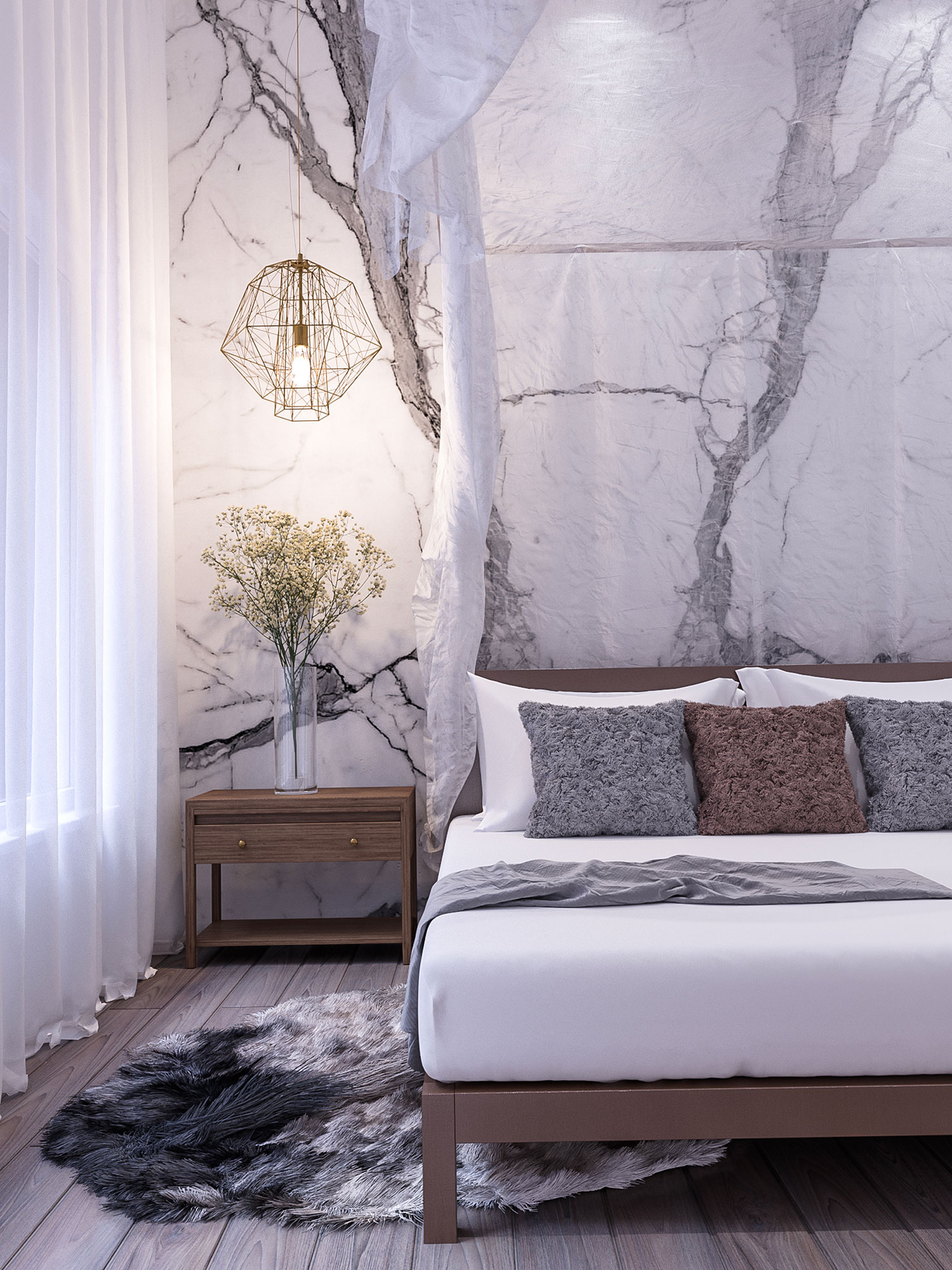
Our working 3D model below: After furnishing and accessorizing, you can see we didn’t skimp on details.
The whole process feels like staging a home for an open house – except we didn’t have to pull out furniture and accessories or spend a dime on actual material finishes. Everything was done digitally as we helped the clients visualize how their home will look like once it is fully finished and furnished. So convenient, isn’t it?


These visuals also helped the Project Architects see if the plan layout works as well as decide which palette is best to use. We had a few revisions done before this was finalized and we were able to play with color schemes and furniture pieces throughout the process. Initially, our peg was RH Beach House with everything looking light and bright and beige. In the end, we went for something with contrast but still very clean and modern. They decided to use the same styling they did in a previously completed project and they sent us actual photos to reference to.
However, we didn’t want it to be a “copy-paste” scenario. We may have used the same walls and floor finishes, accent colors of furniture, décor vibes but we did necessary adjustments with respect to the project floor plans and furniture layout to highlight the architectural elements unique to the new house.
Real Photos vs 3D Renderings
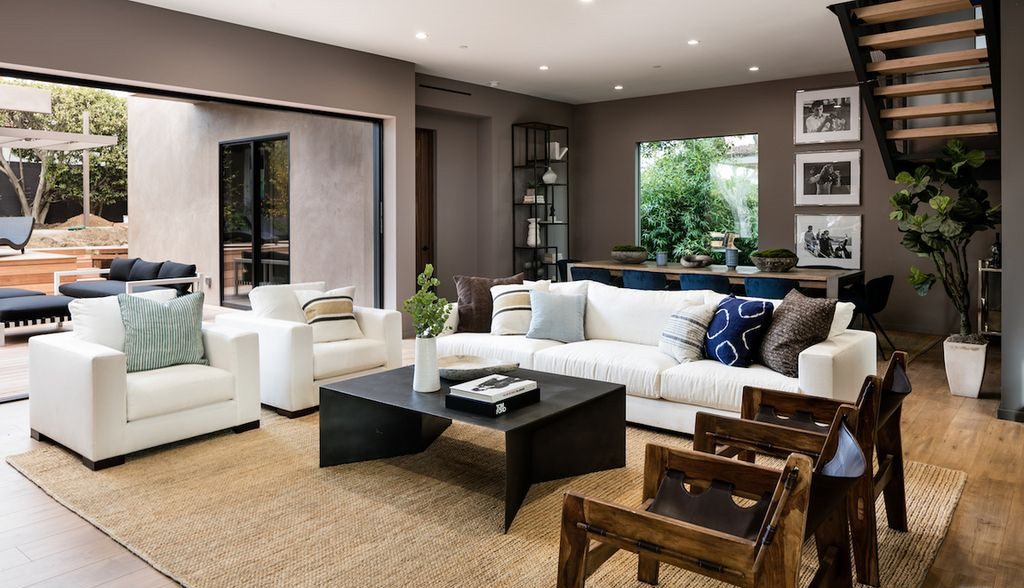
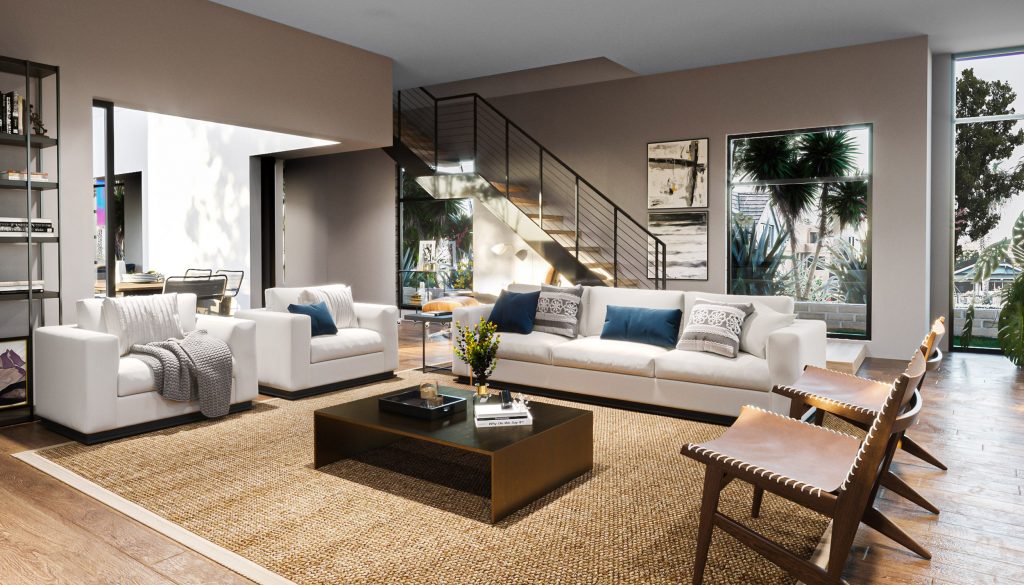
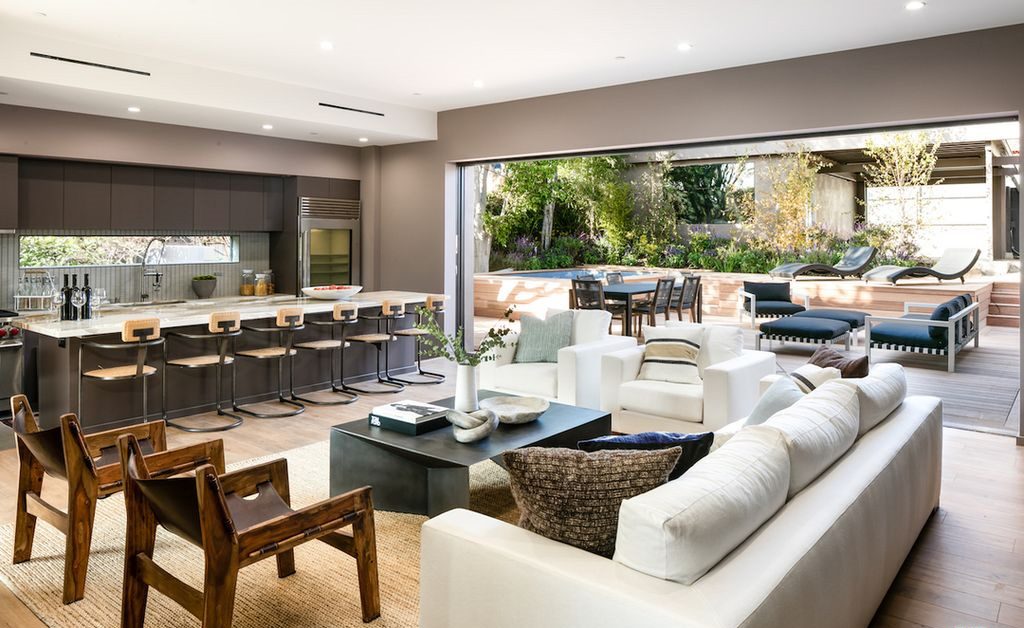
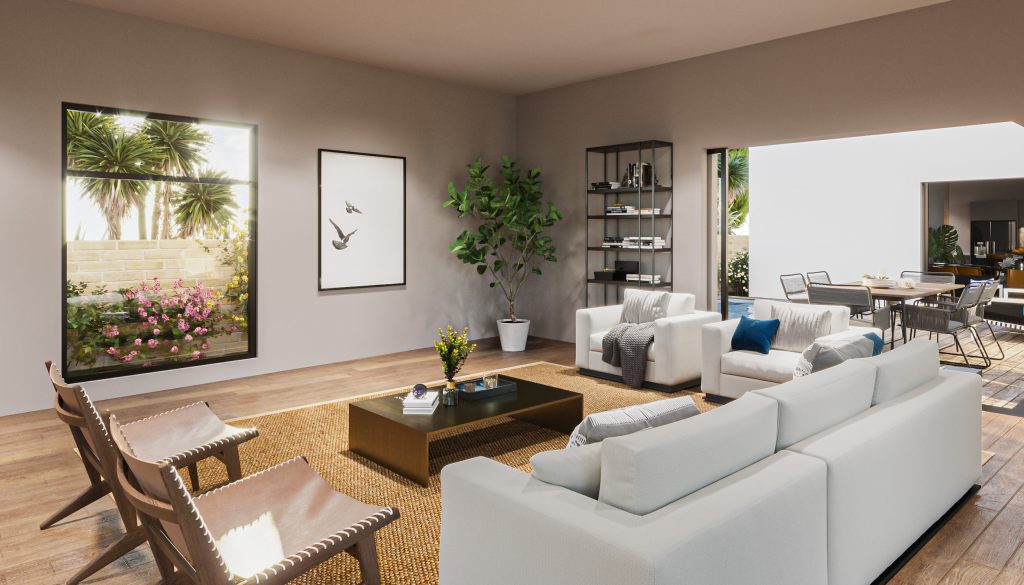
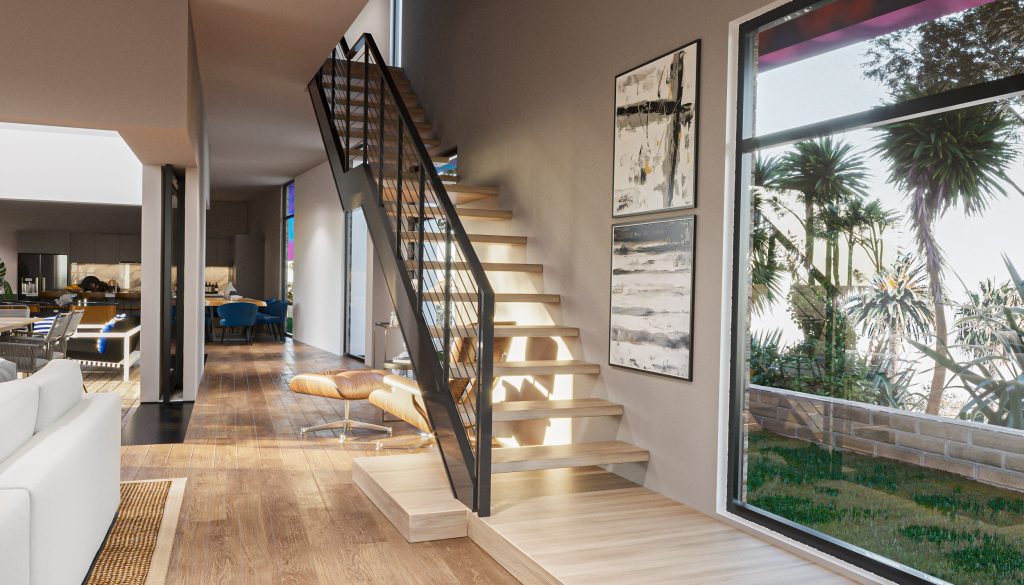
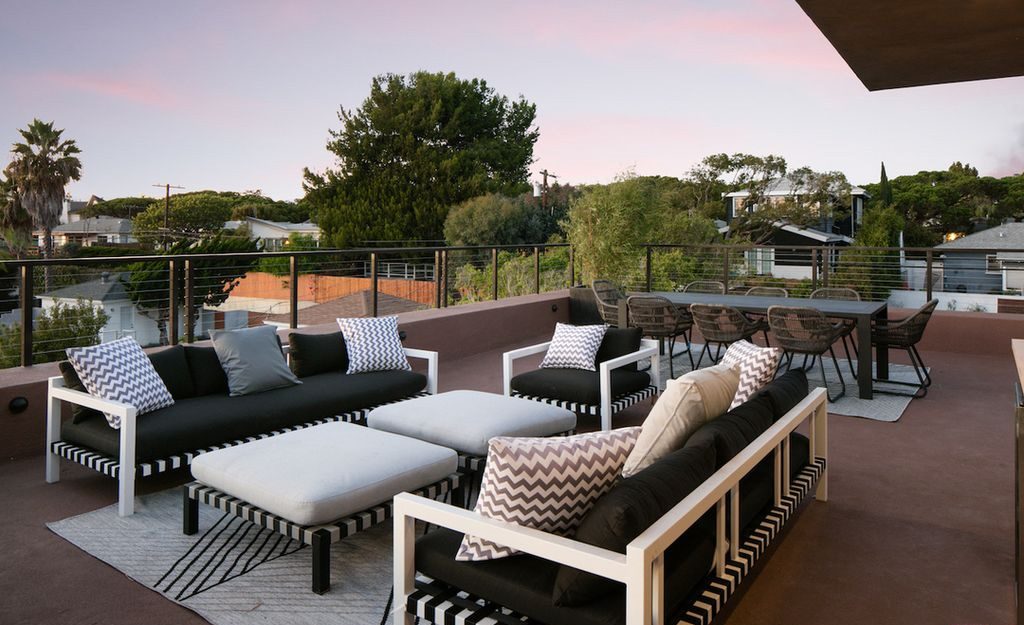
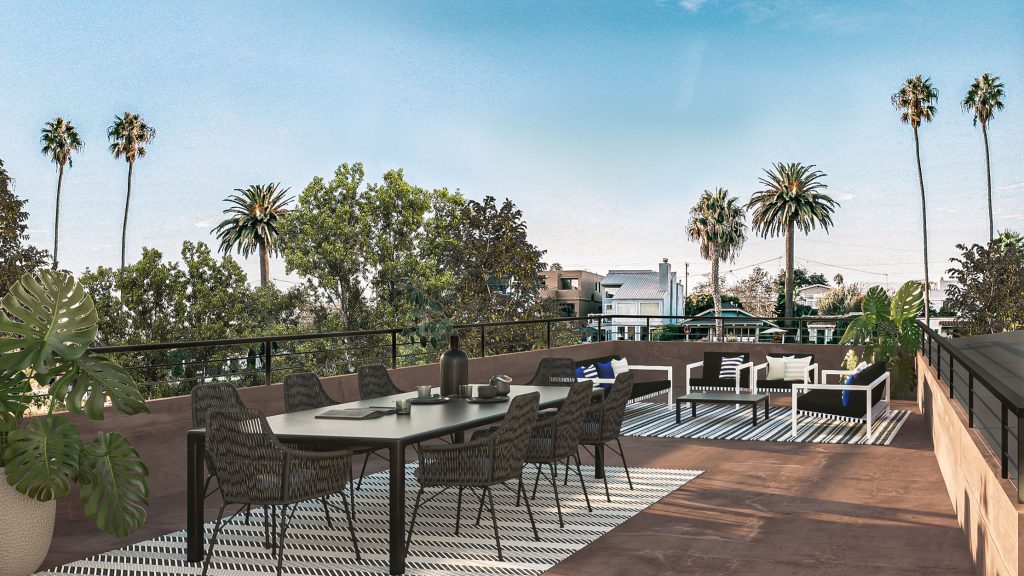
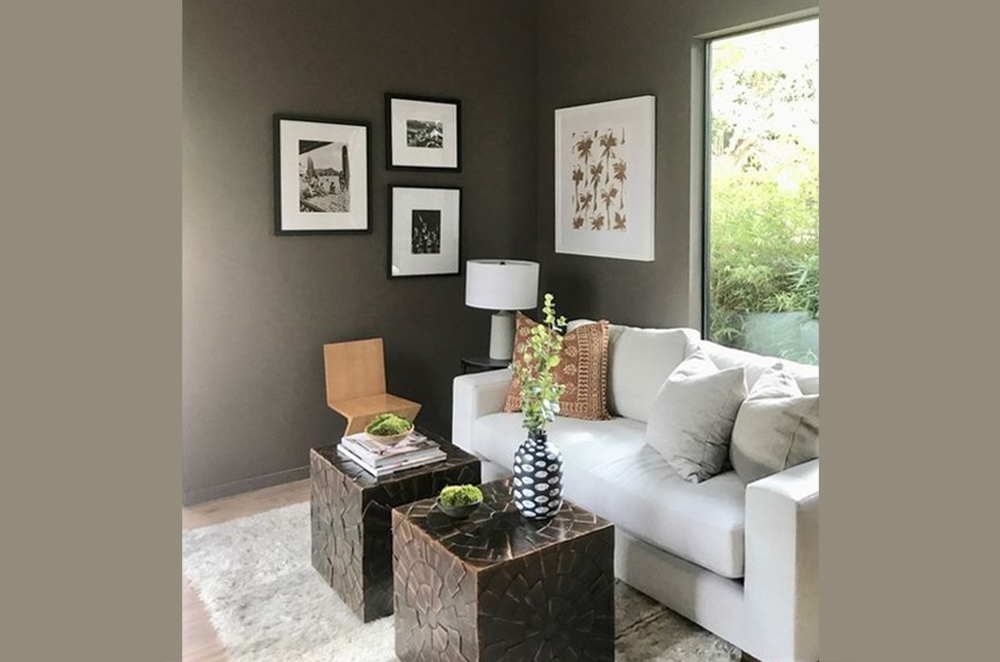
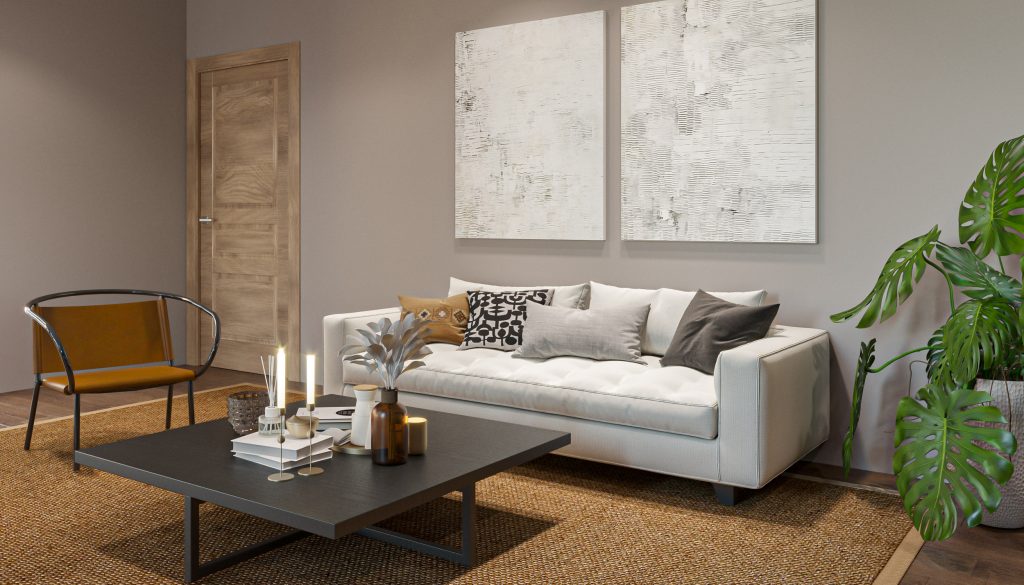
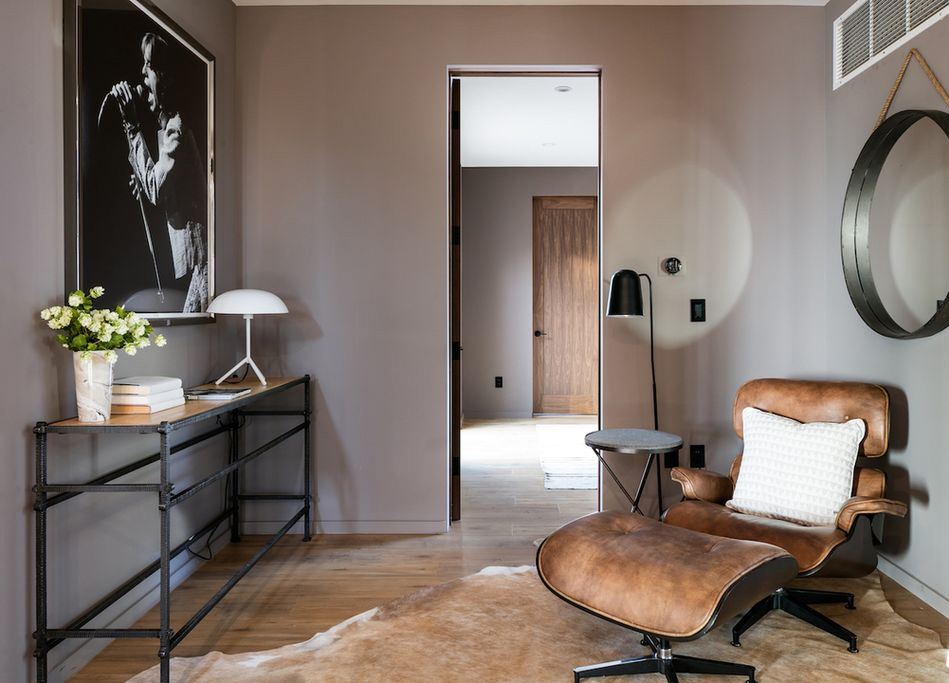
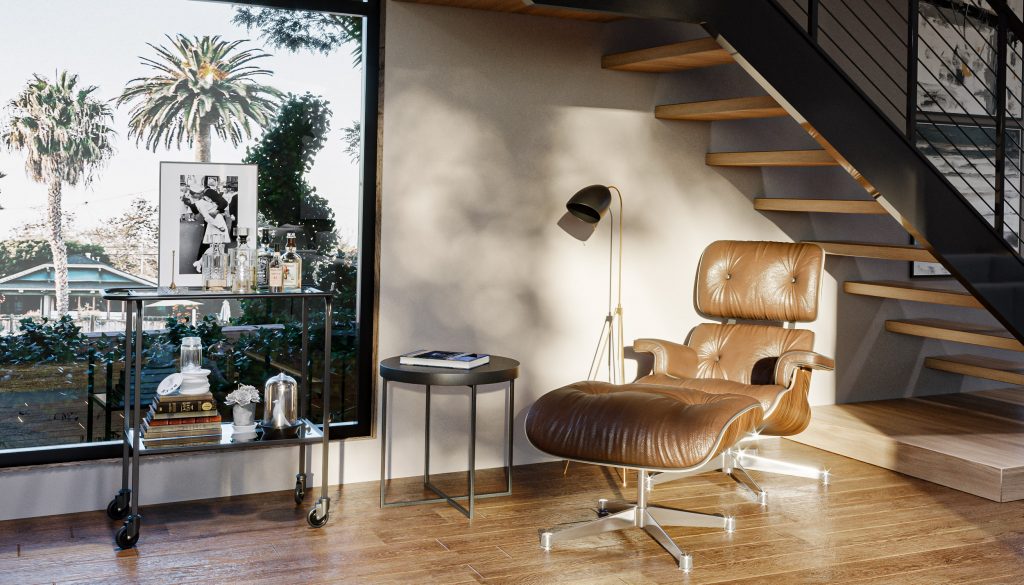
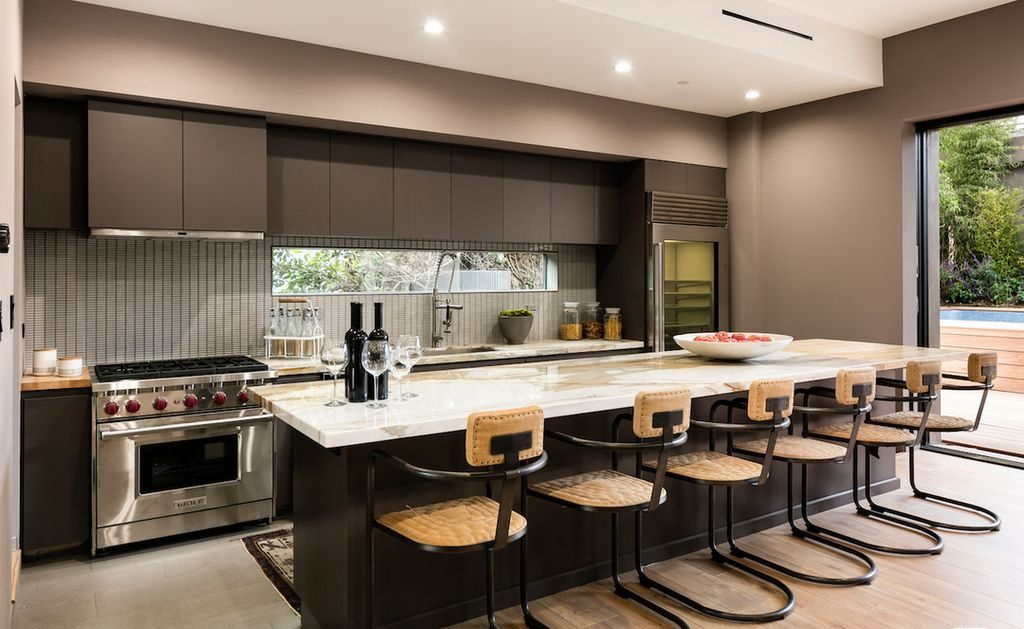
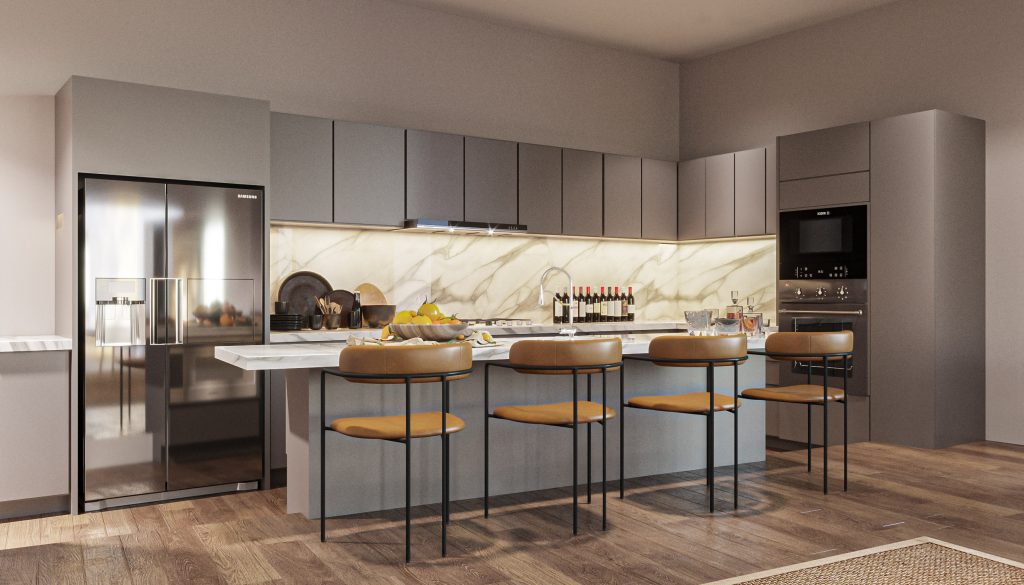
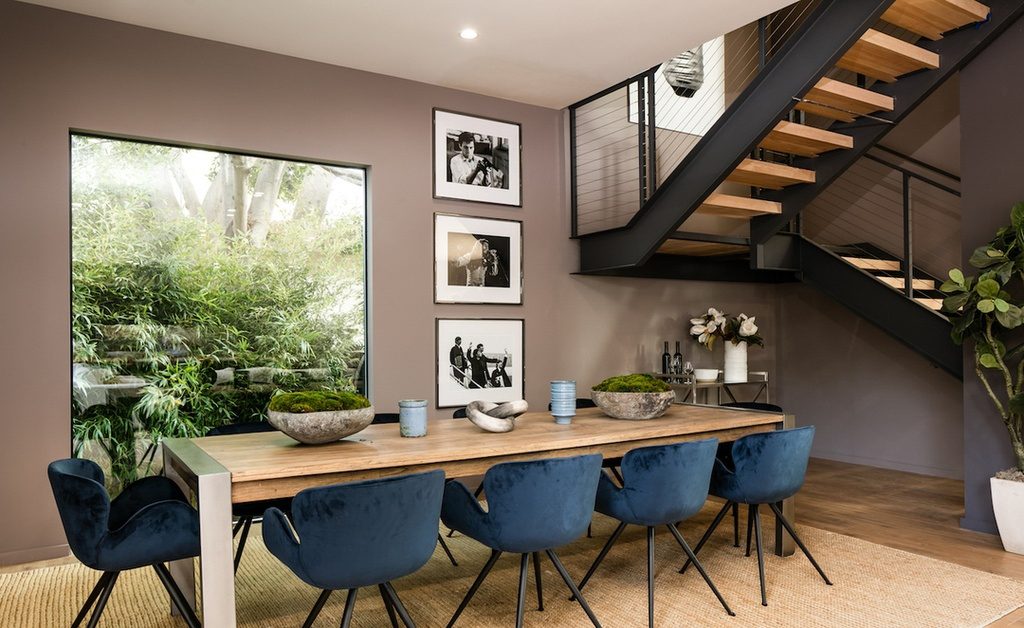
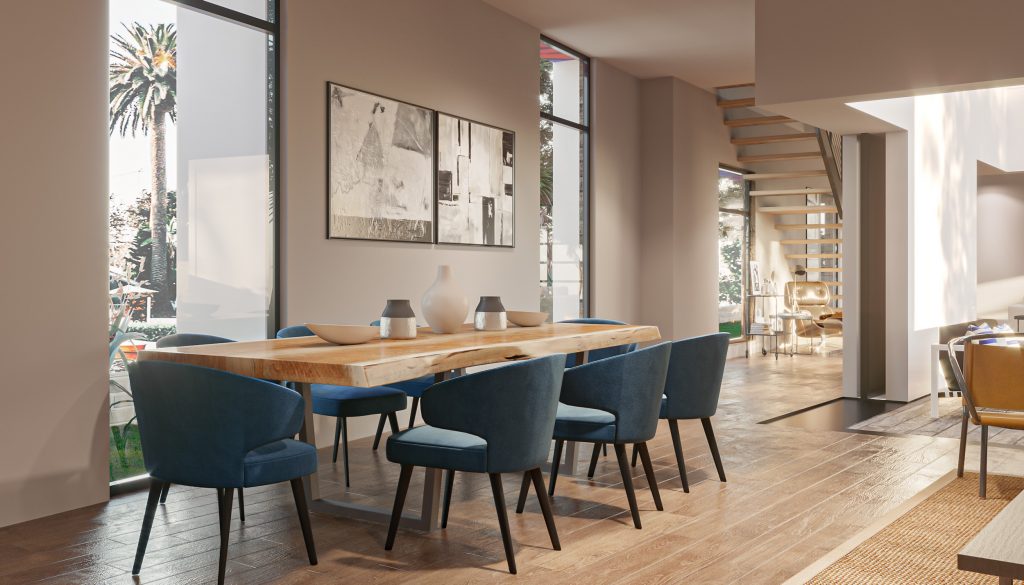
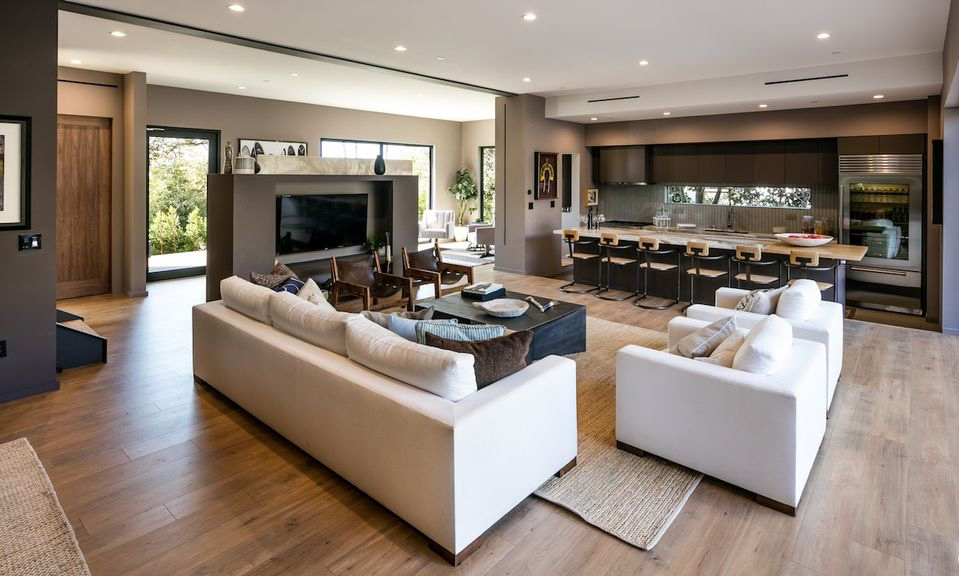
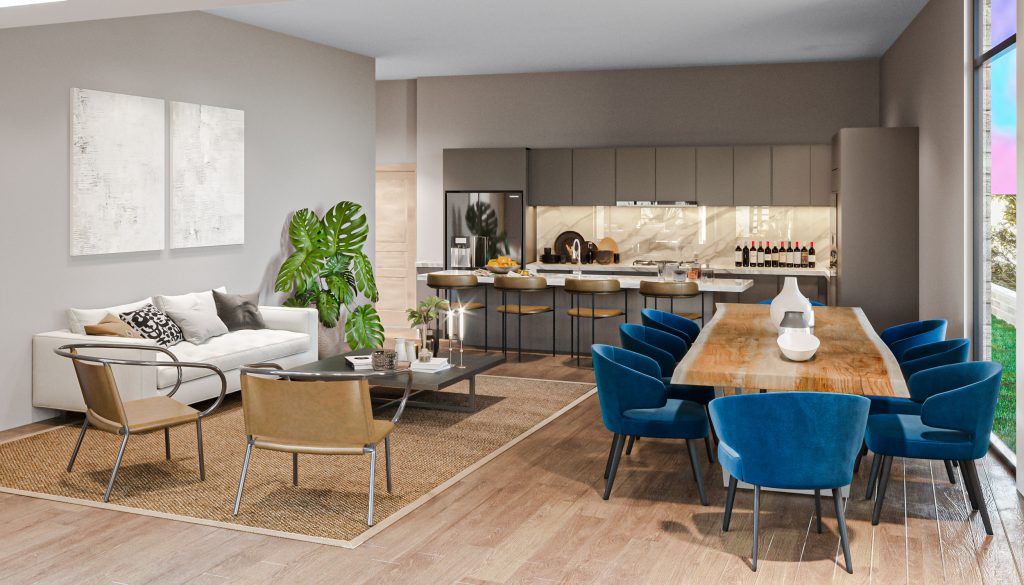
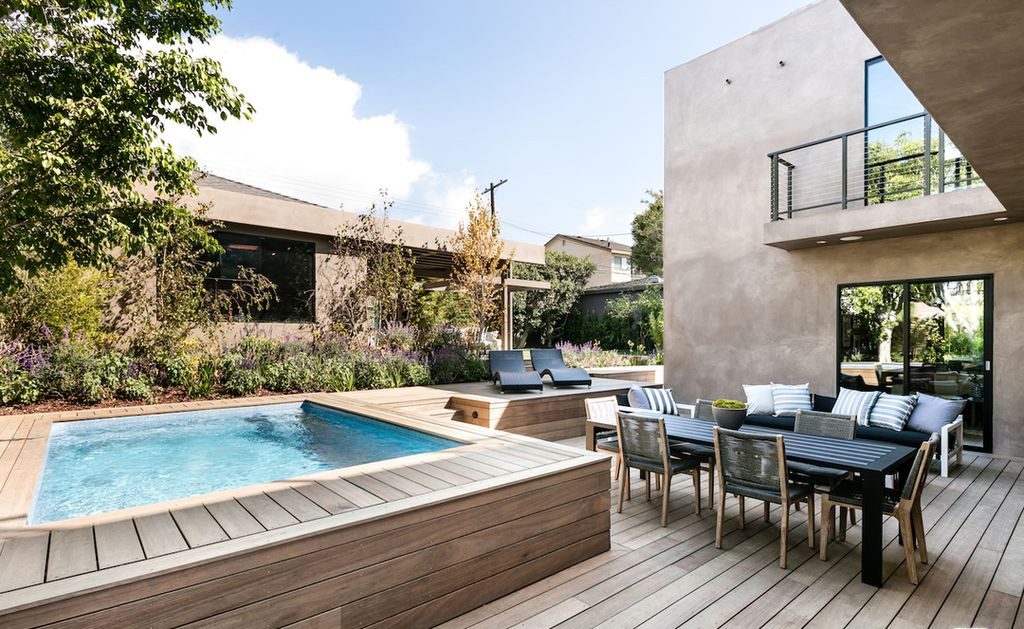
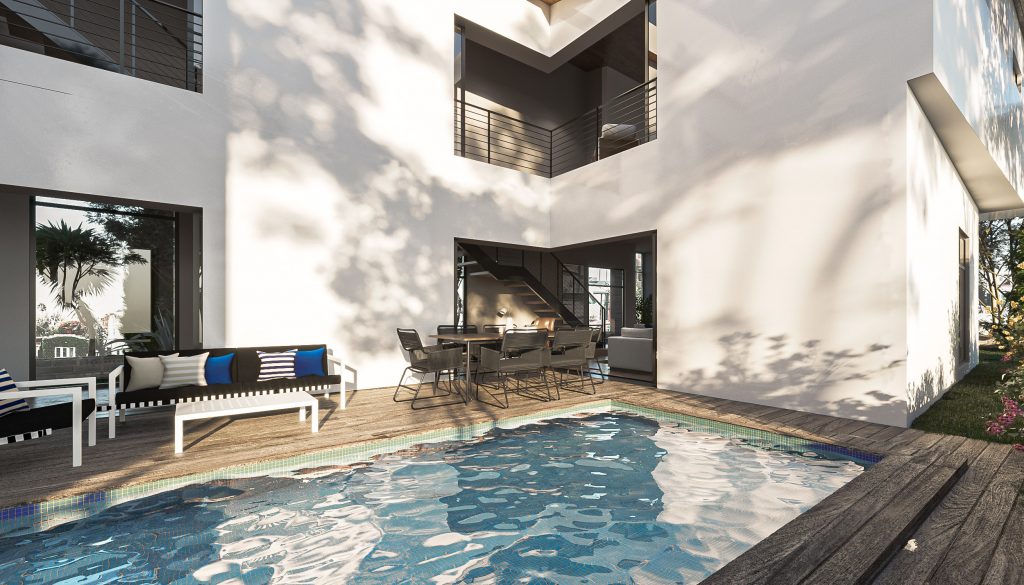
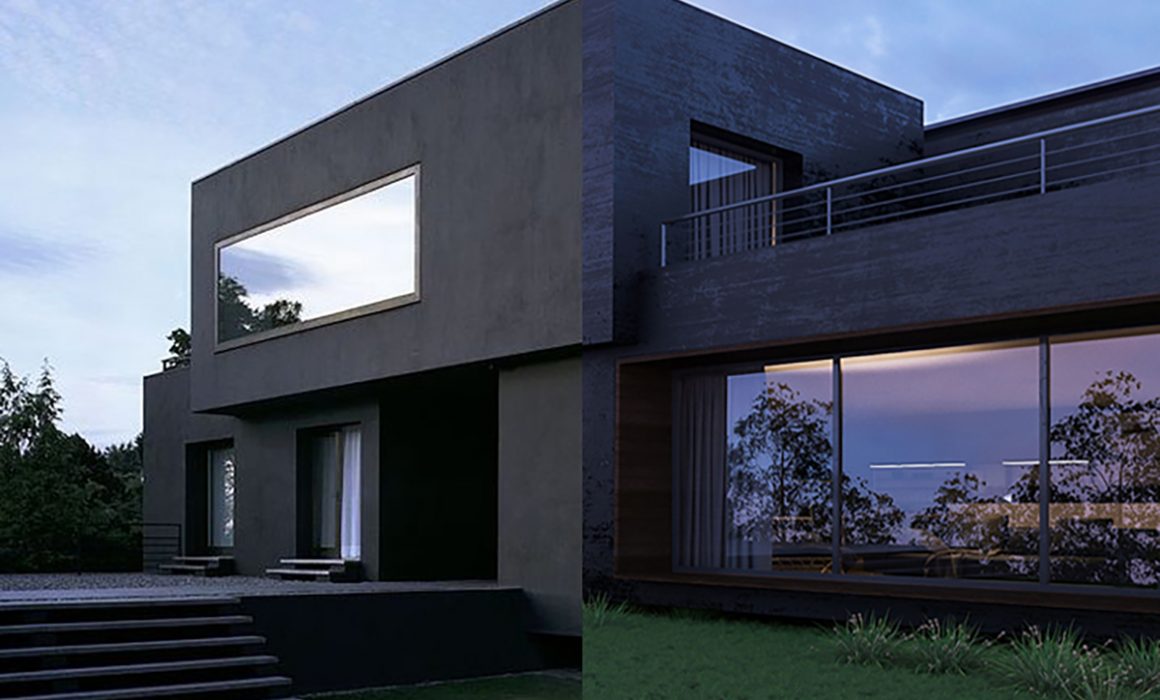
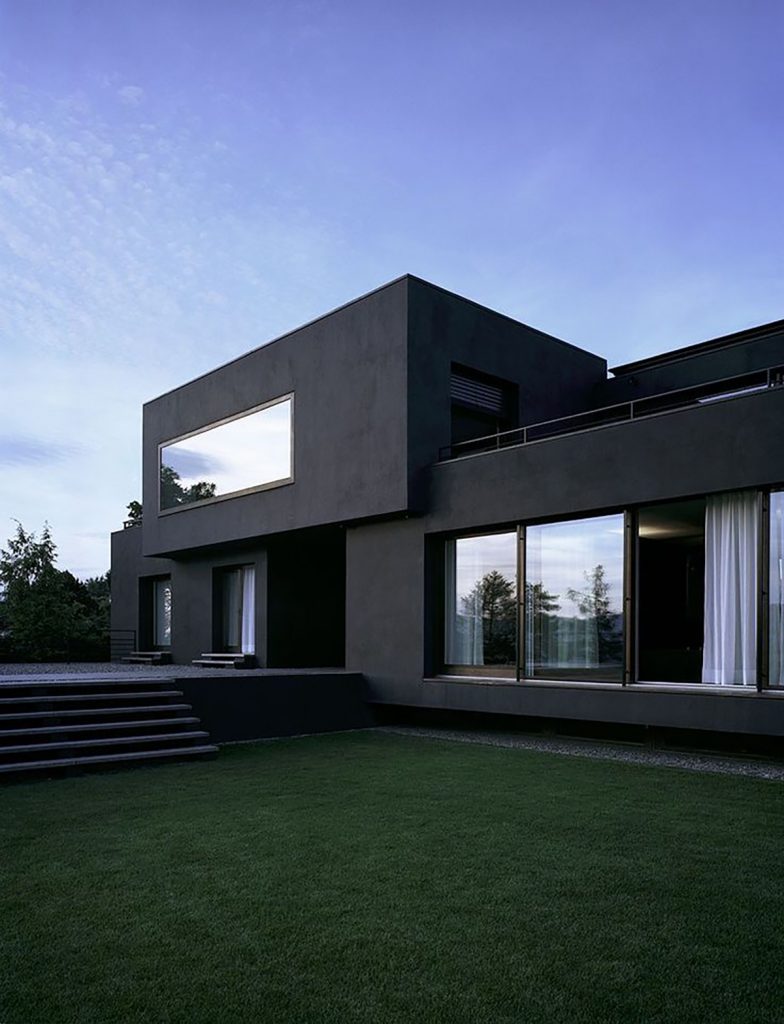
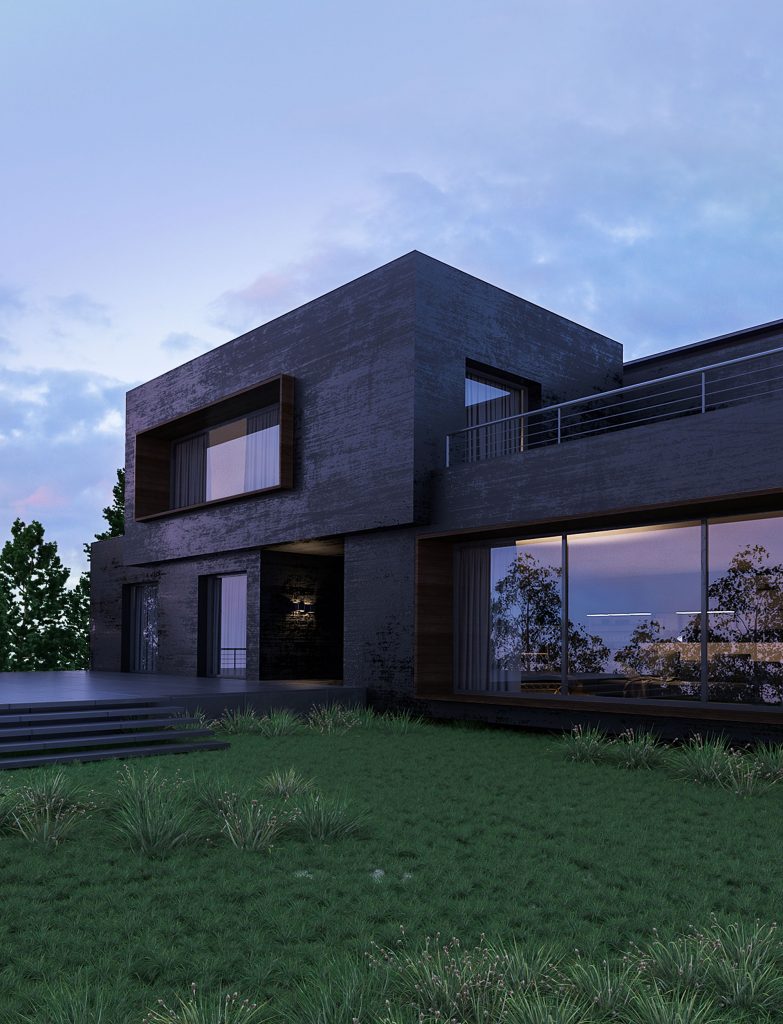
Now, let’s do a side by side comparison of the actual photographs from Gibbs Architects vs the CGI we created. We wanted to show this not to compare the two house but to see, in terms of 3D visualization, how close to the real thing we can make these 3D renderings appear. All artists have their own “look” and we hope, as we try to make the renderings as realistic as possible, that we don’t lose that “MDD look” in there. Hope that makes sense.
REAL
RENDER
REAL
RENDER
REAL
RENDER
REAL
RENDER
REAL
RENDER
REAL
RENDER
REAL
RENDER
REAL
RENDER
REAL
RENDER
REAL
RENDER
REAL
RENDER
REAL
RENDER
What do you think? We had fun with this project and we hope it showed.
If you have needs for 3D renderings, please don’t hesitate to contact us so we can also create visuals like these for you.
Who else misses going to coffee shops? We know we do!
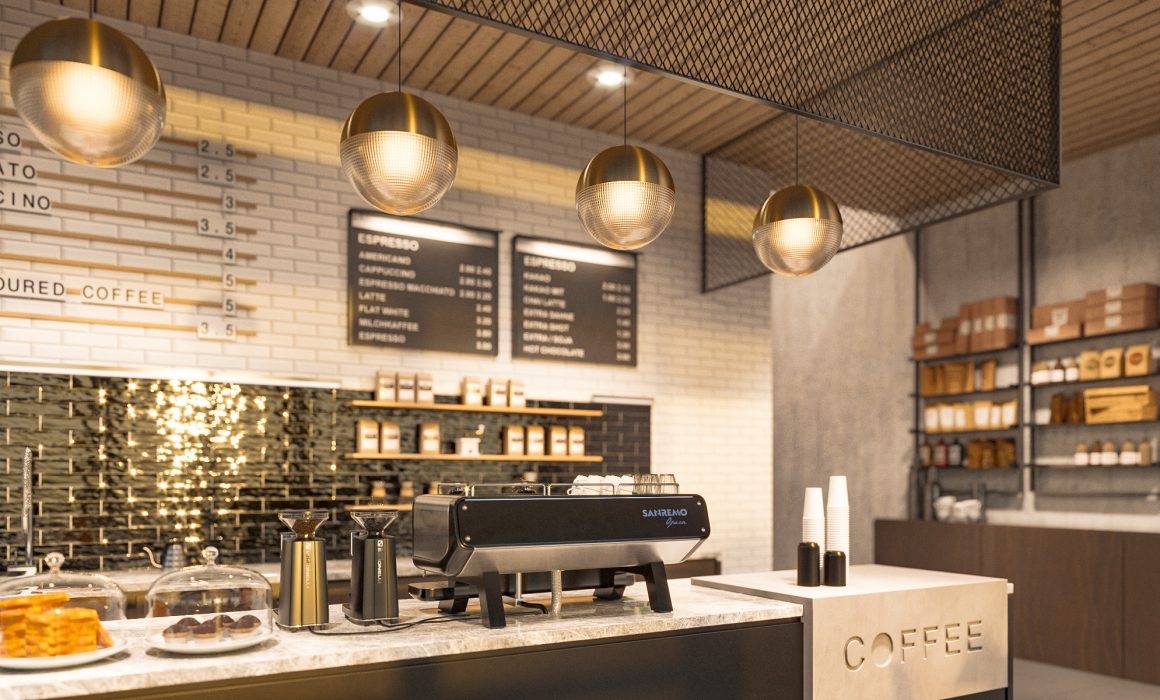
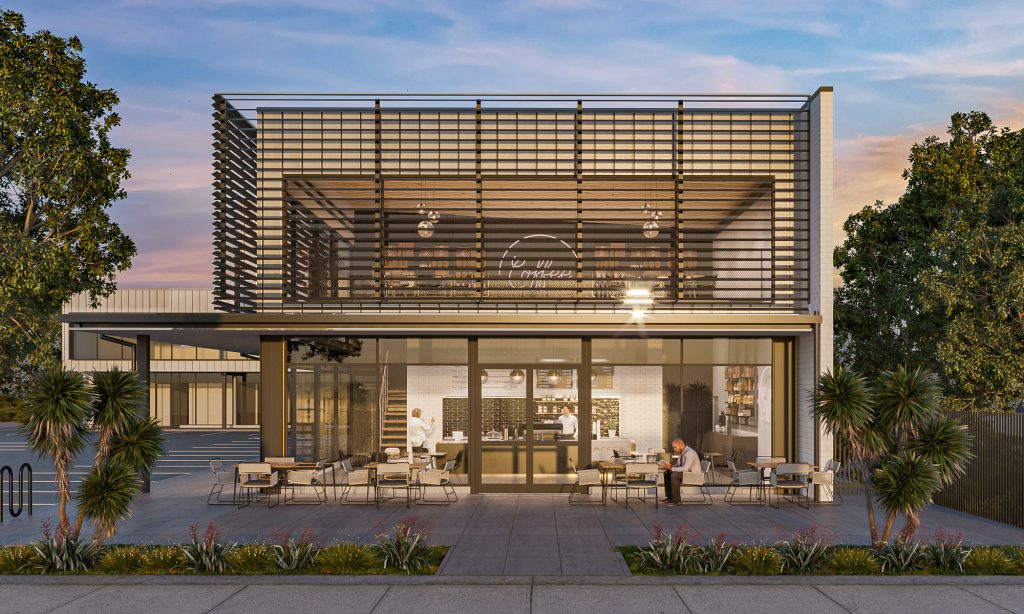
This 2021, normalcy is highly dependent on where you are in the world – some countries are almost back to normal while others are still imposing lockdowns after lockdowns. The Philippines falls into the latter category, unfortunately. That said, the moment the studio got this coffee shop rendering project, we knew we had to create wonderful images out of our great love for coffee and sad longing for hours spent inside a café.
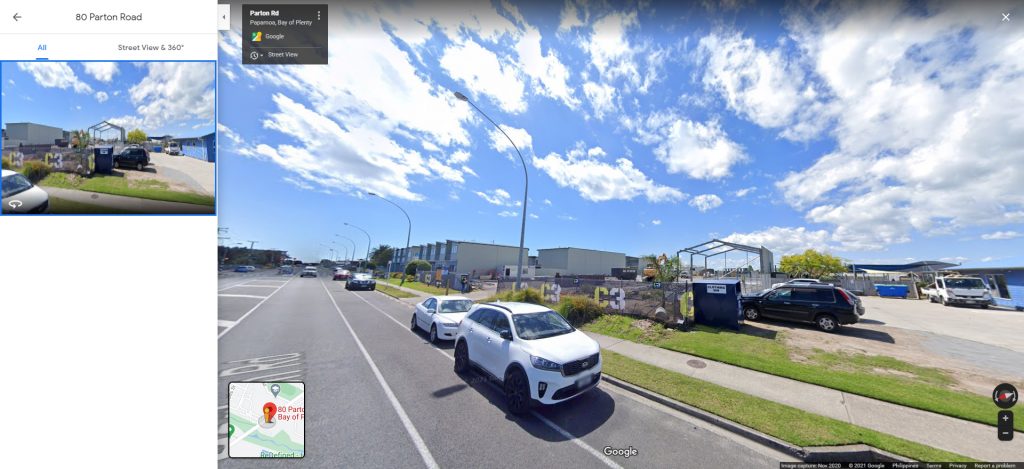
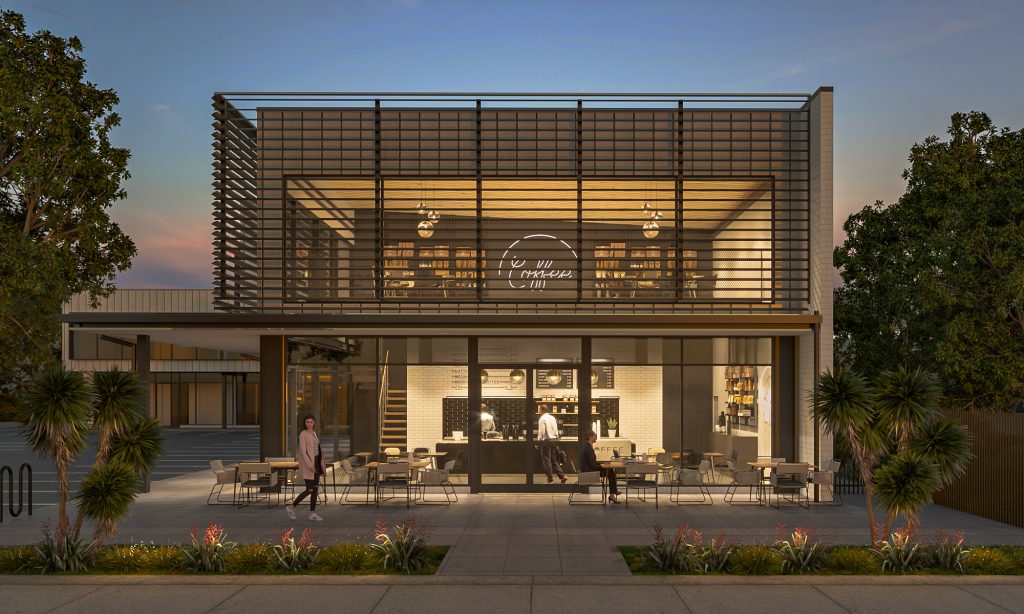
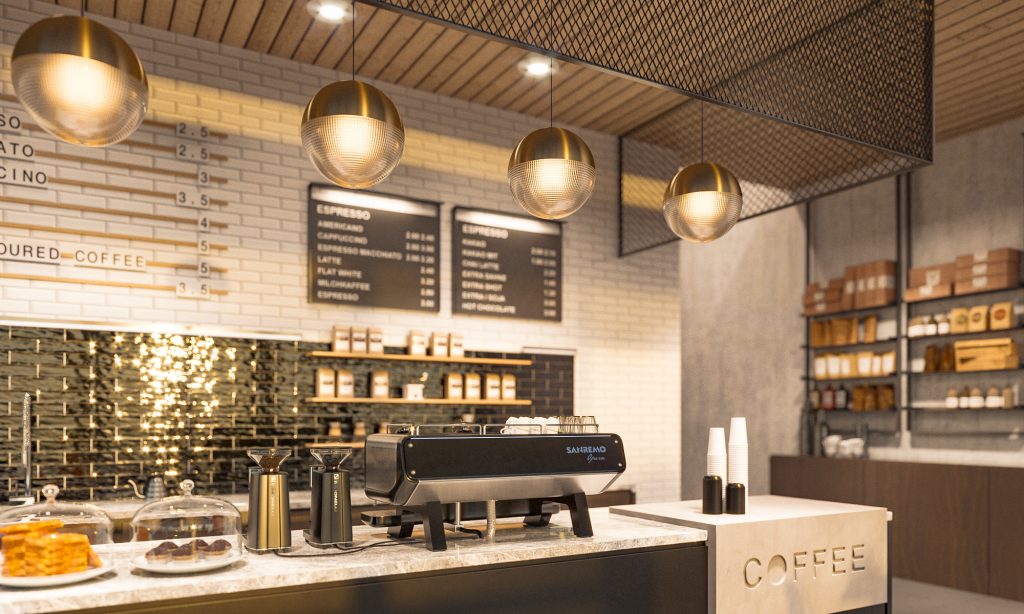
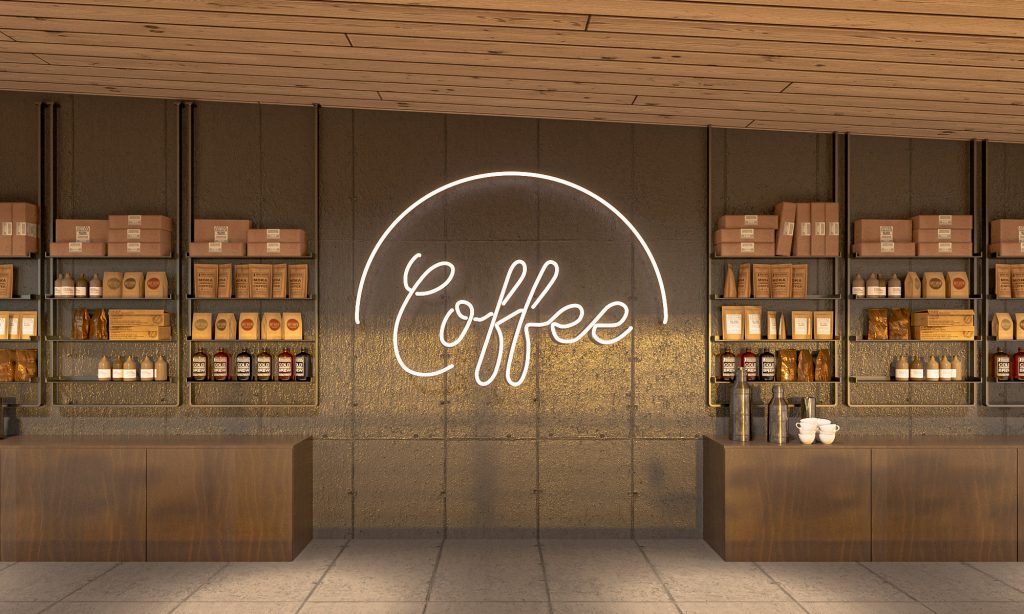
We were tasked to create a coffee shop exterior rendering for a new building along 80 Parton Road, Papamoa, New Zealand. The building developer aims to show possible coffee shop tenants the potential of the commercial space for their business.
For the project, a 3D model was provided by the client.


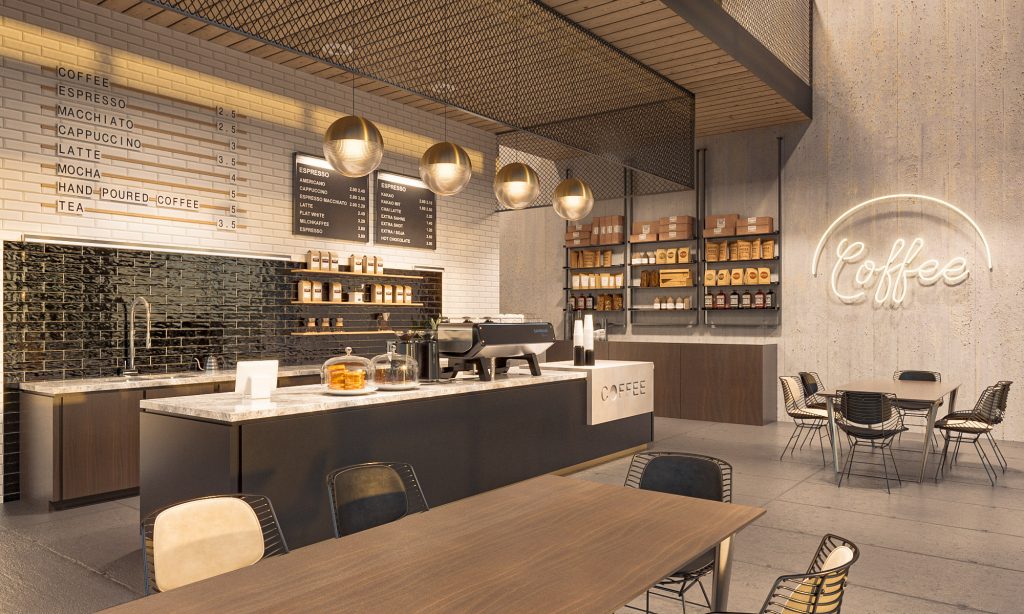
Usually when we get this kind of file, we do the model clean-up, texturing and mapping based on specifications, as well as detailing of landscape, entourage and interiors.
However, the first thing we always do is a google street view check. The building is still non-existent but one take-away from this quick peek is that the whole area is low lying, no high rise buildings or mountain views.
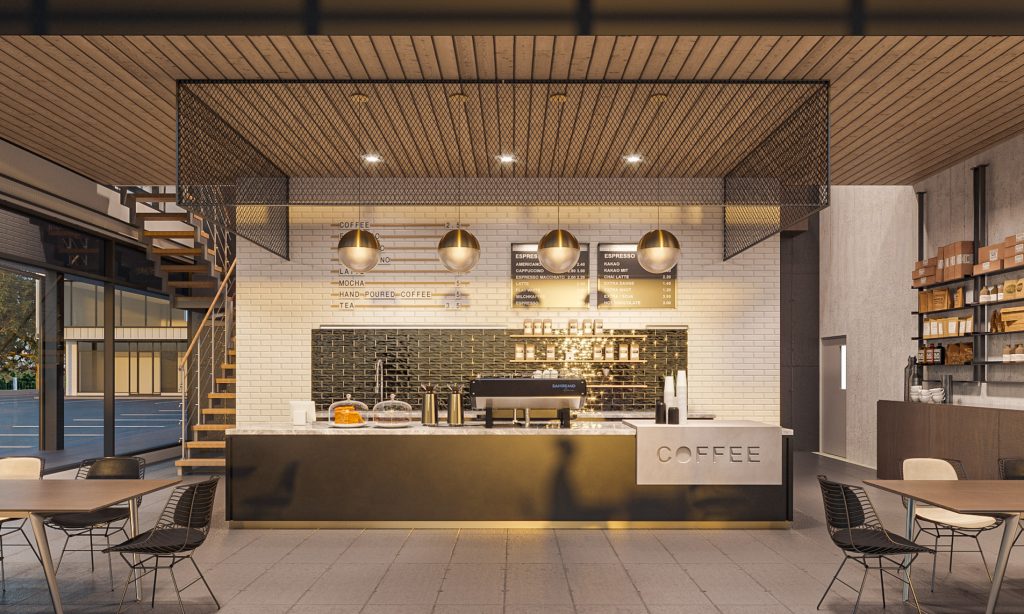
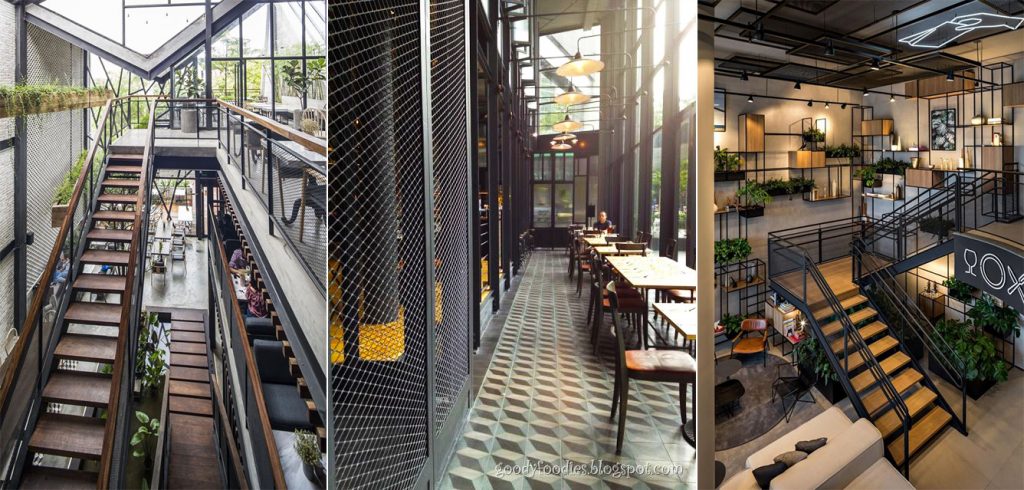
Here are some reference images we looked into. The vibe we went for is industrial but with wood tones to add warmth.
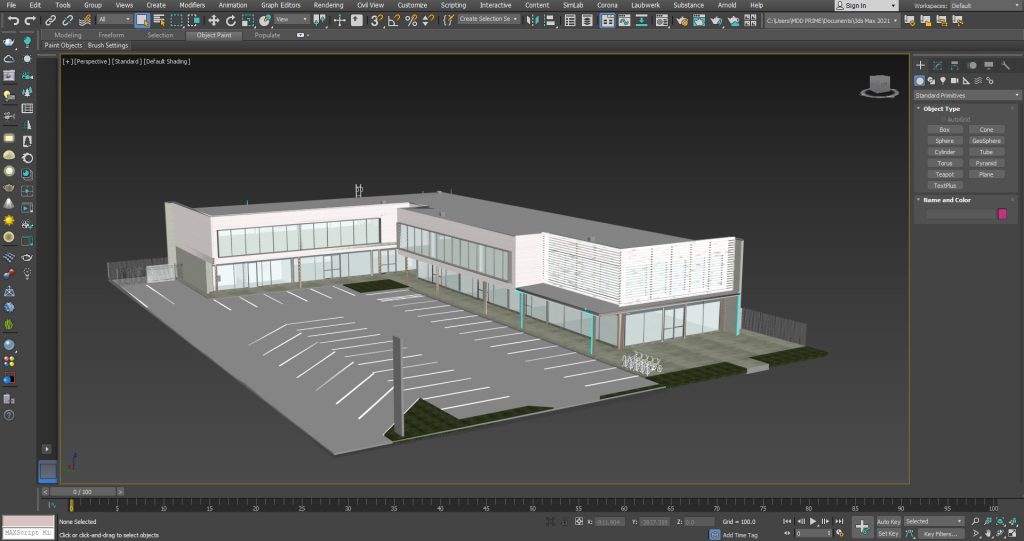
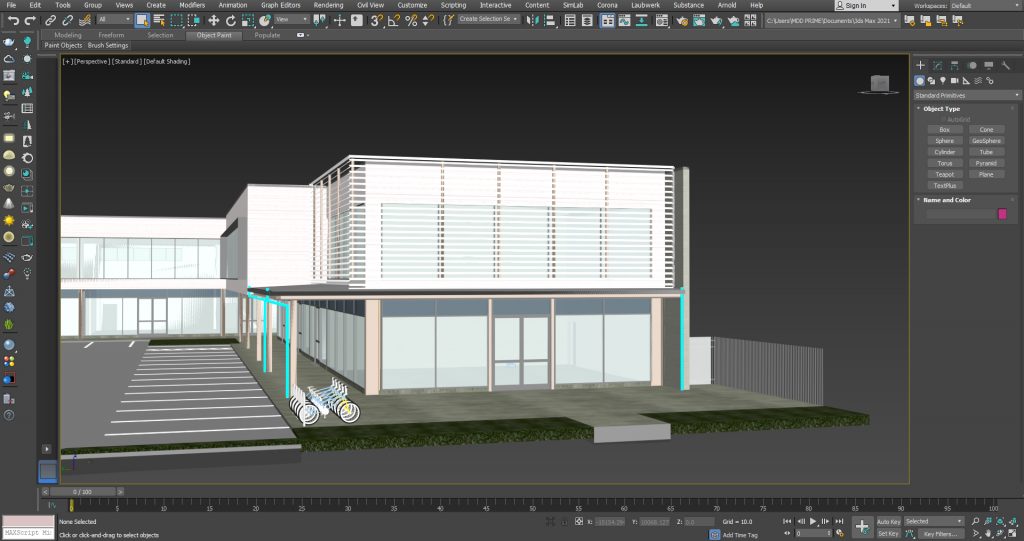
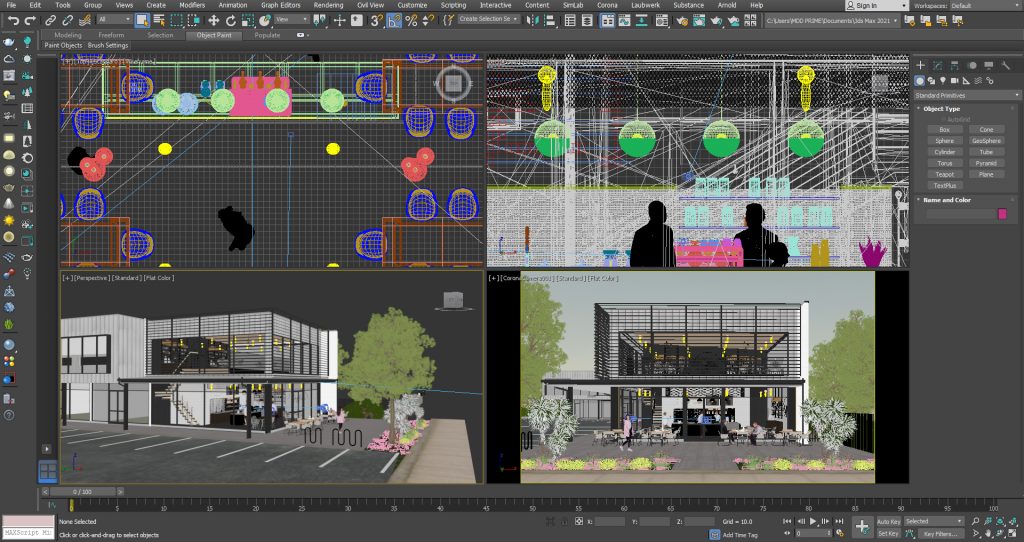
Here is a screenshot of our 3D model file after some work done. Detailing is definitely the most tedious part of the process. We always put a lot of effort in this step because we believe details make or break a rendering. 
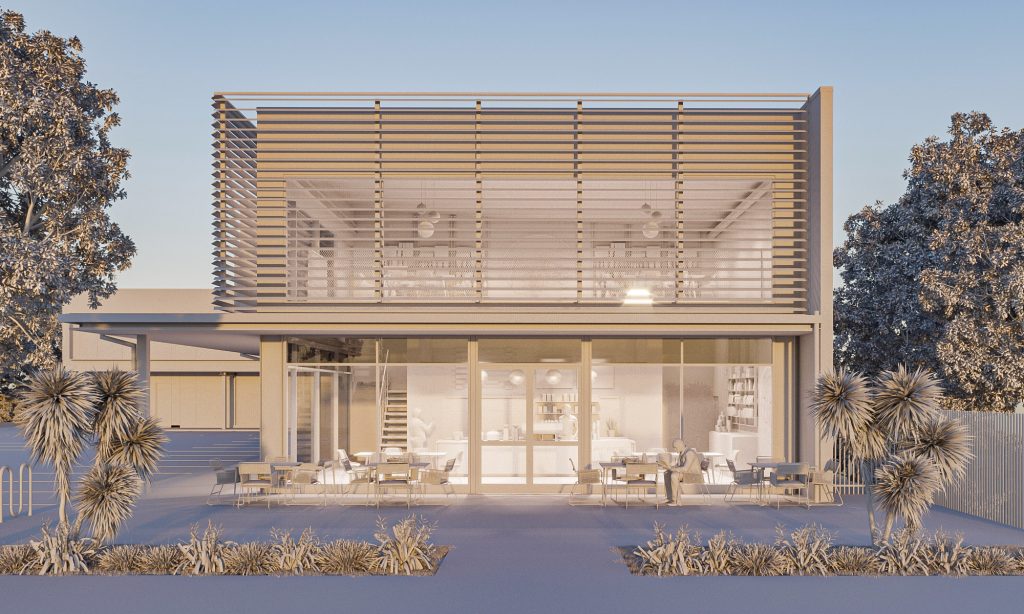
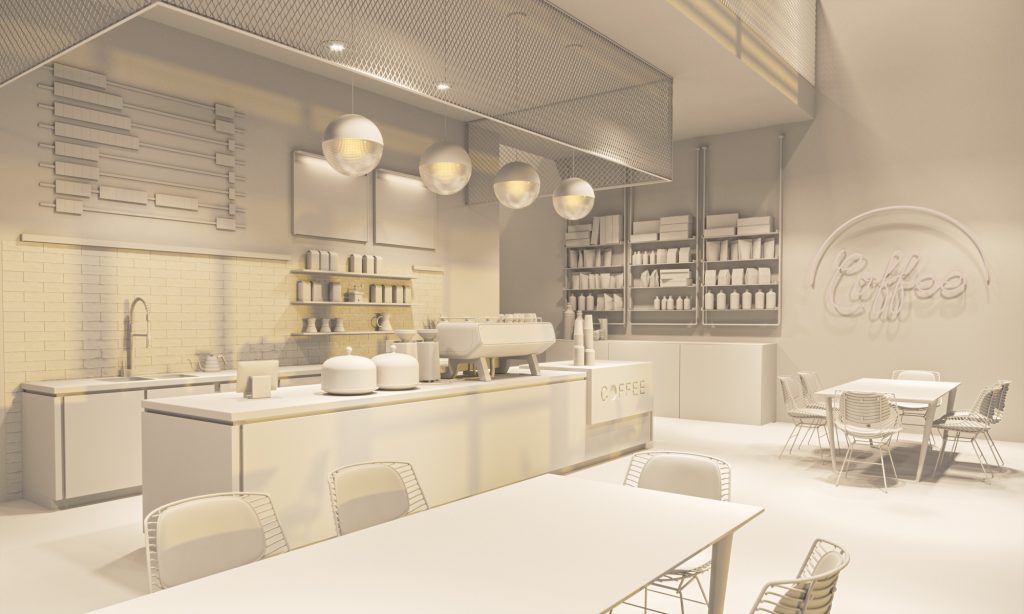
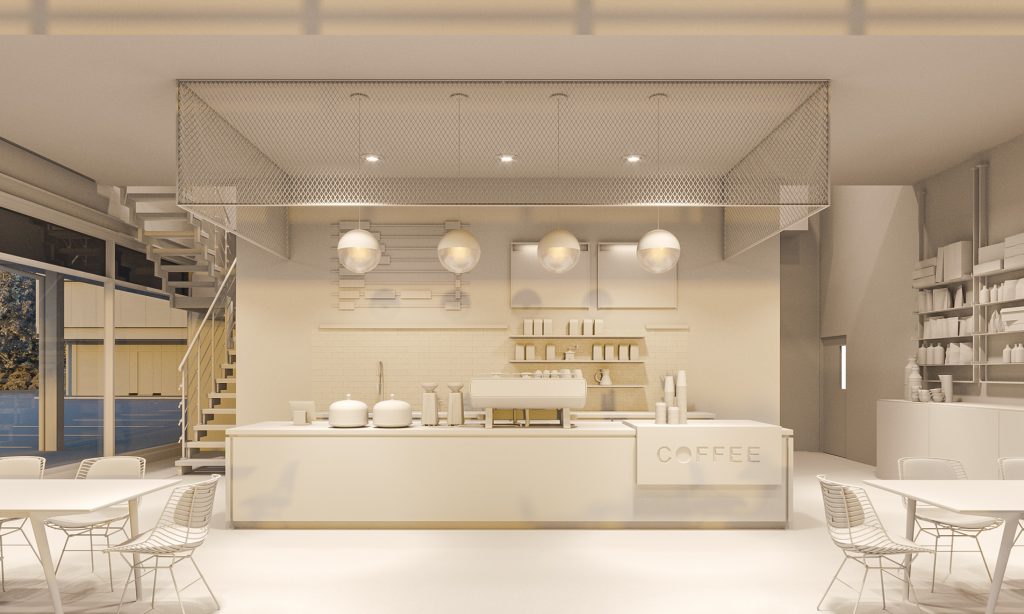
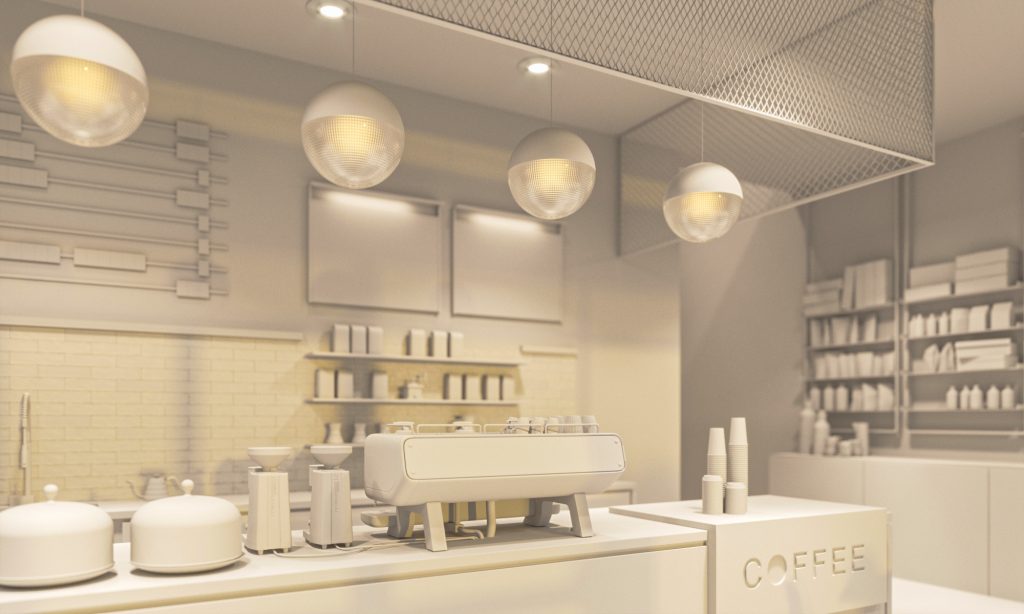
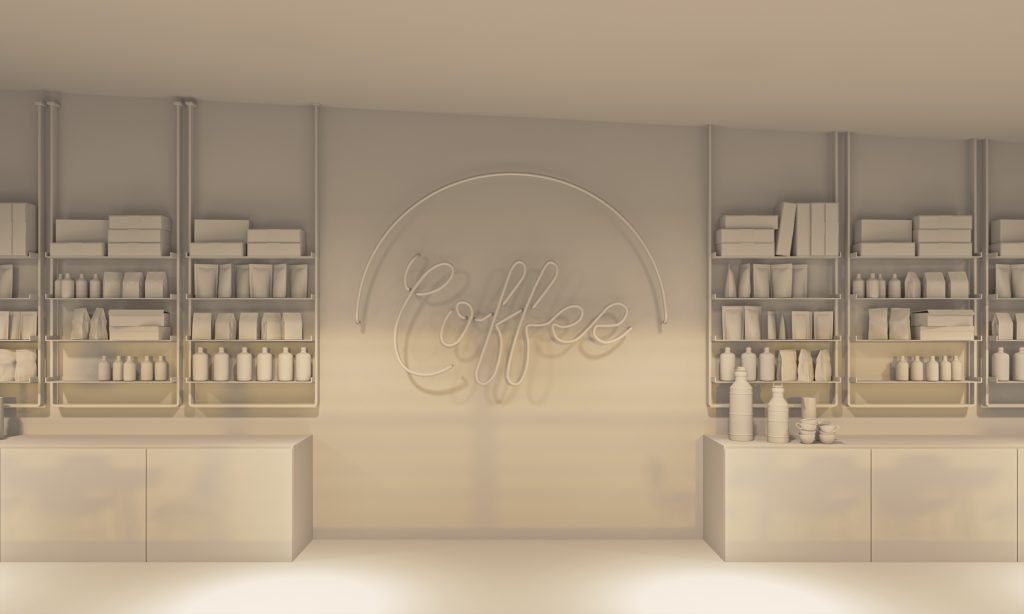
Some clay render tests below. We had our fun and added some extra views. 


FINAL IMAGES


Hope you like this set!
Go ahead and make that cup of coffee.
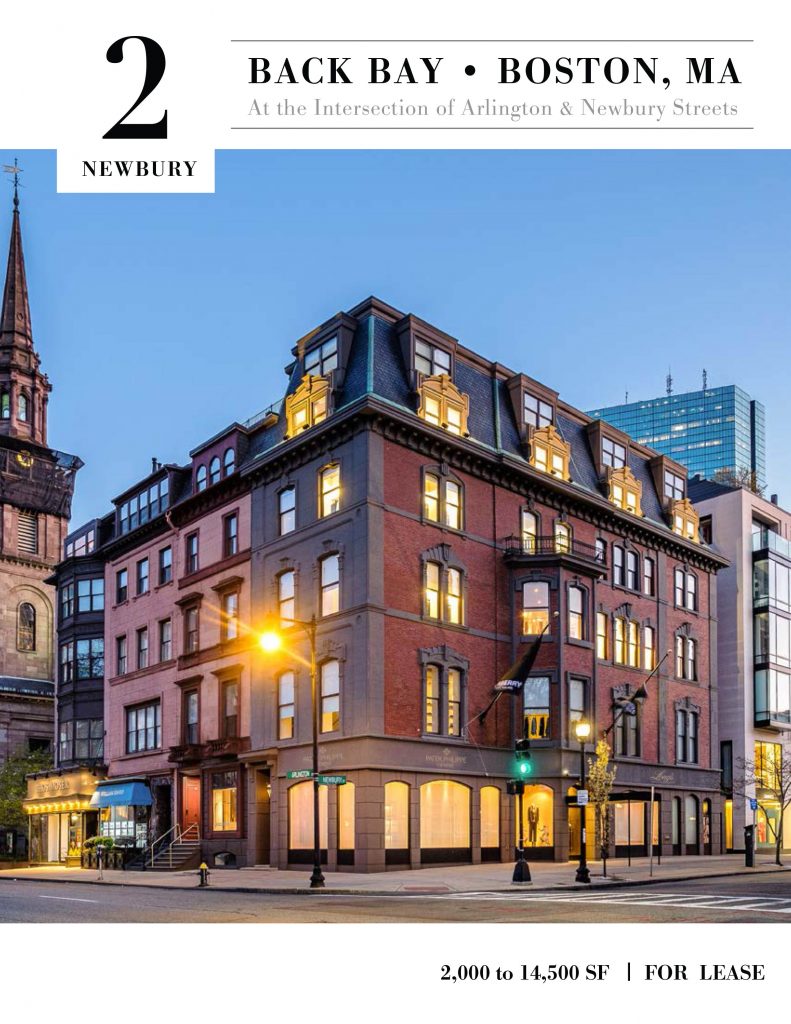
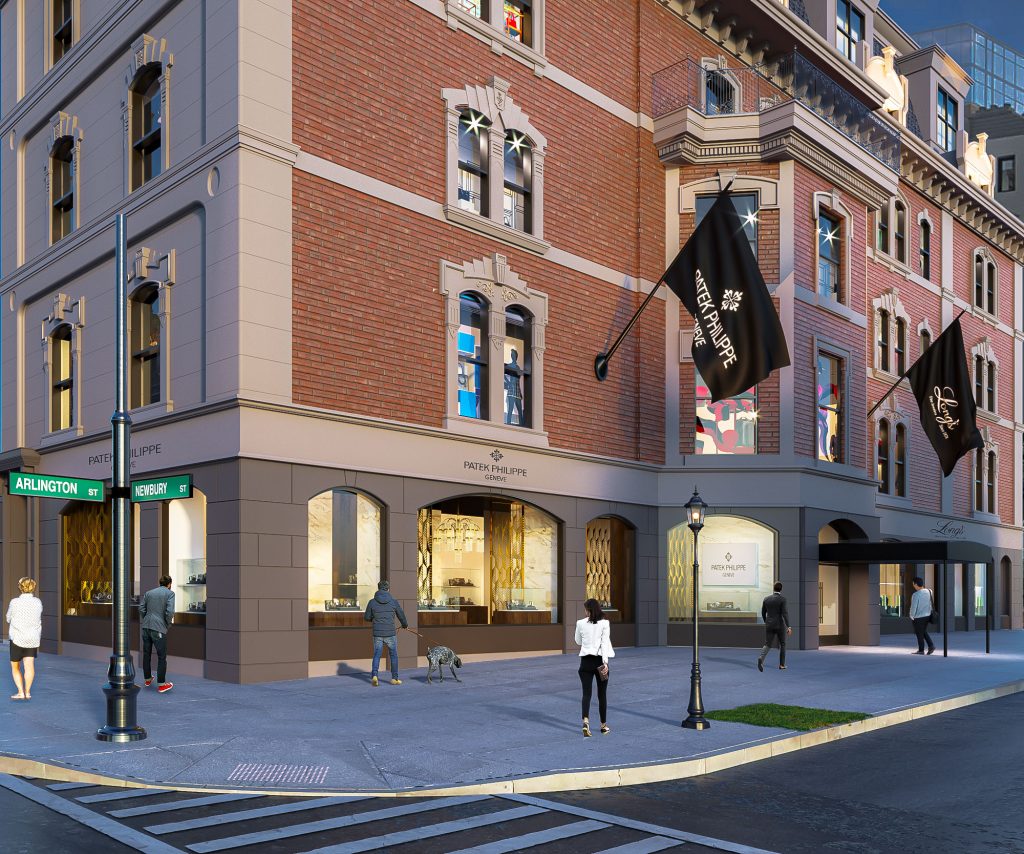
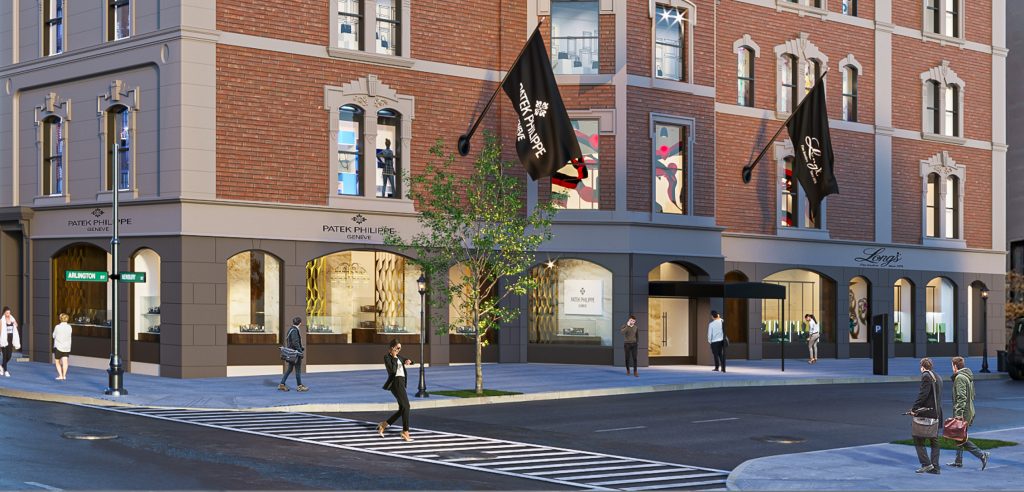
One memorable Architectural 3D Rendering commission we got a few months back is the visualization of an existing building along 2 Newbury St., Boston, MA.
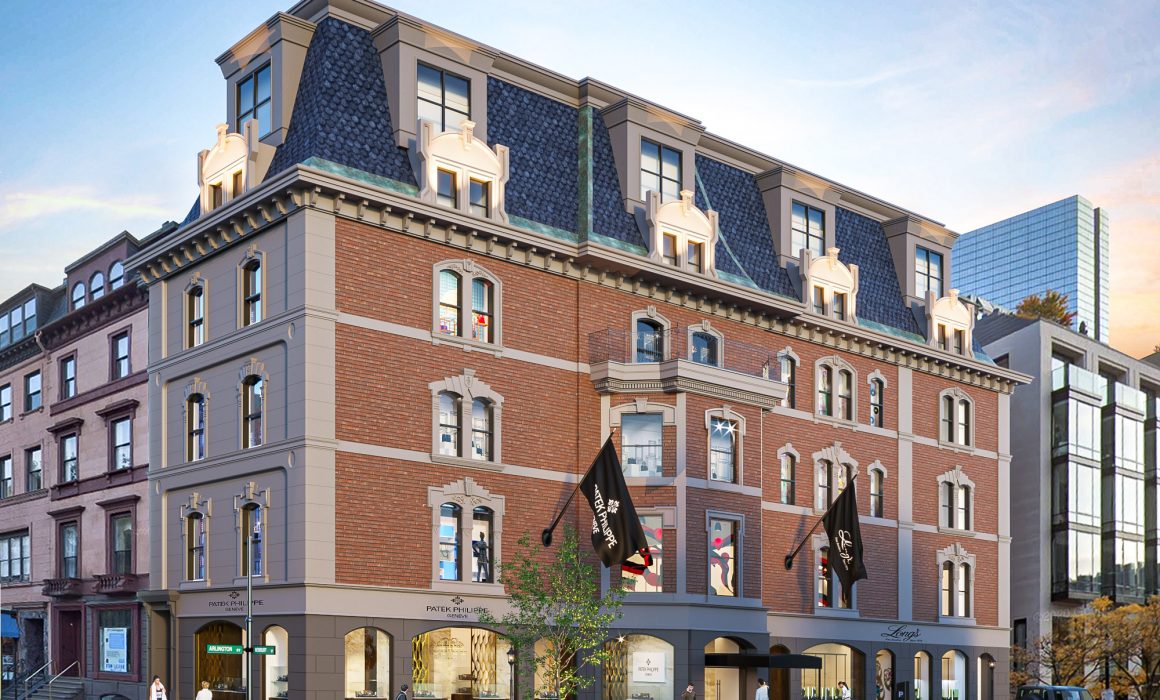
A luxury watch store and a jeweler intend to lease the ground floor commercial space of said building and they want 3D renderings made to show how the storefronts and signages will look like once they occupy the space. It is quite interesting as they want to show the totality of the building and not just the leasable ground floor commercial.
Photo from Client
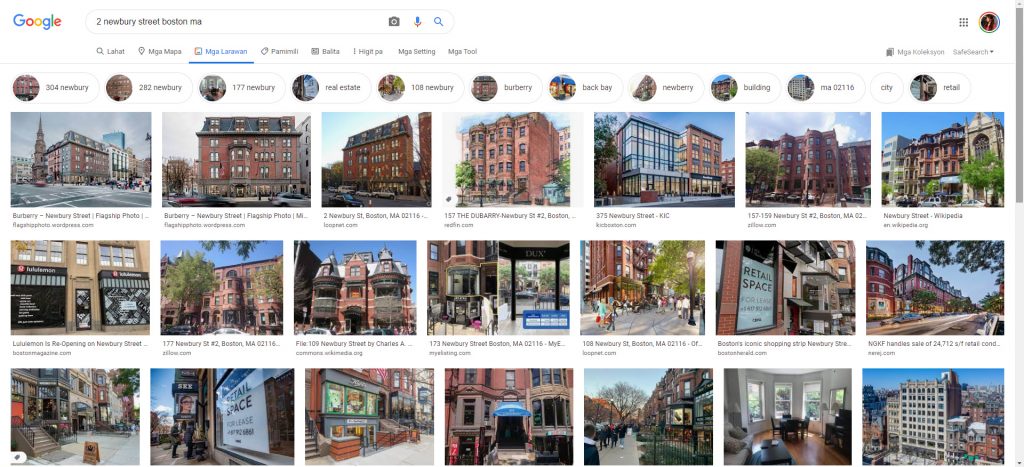
Easiest route is to photoshop the ground floor to reflect the clients’ storefronts and retain the upper part of the building as is – BUT the clients do NOT want that. They didn’t prefer a photoshopped version of an existing photo online because they are luxury stores and that will just look unprofessional. Besides, after a quick google search, there are no hi-res images available online. Even if there were, it isn’t acceptable to use someone else’s photo for commercial purposes unless clients buy the rights to the image or they hire a professional photographer to take new on-site photos.

Another route is to recreate everything in 3D and recreation is what we did… from the comforts of our workstation in the Philippines.
CREATING A 3D RENDERING OF AN EXISTING BUILDING FROM SCRATCH
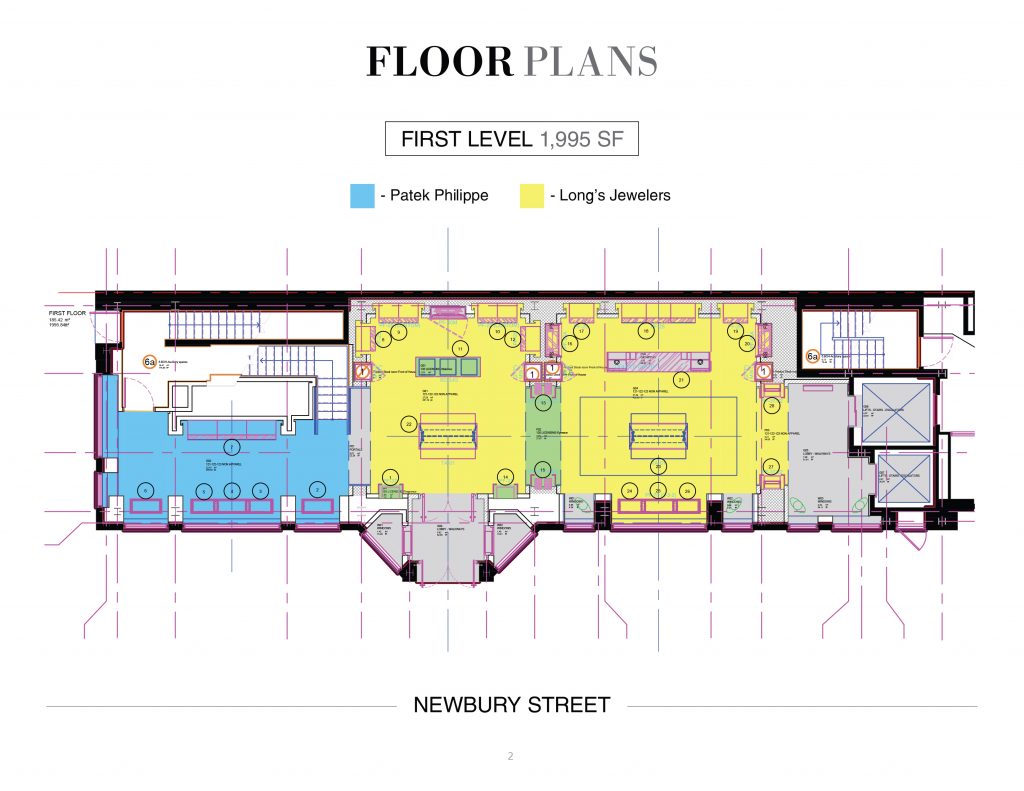
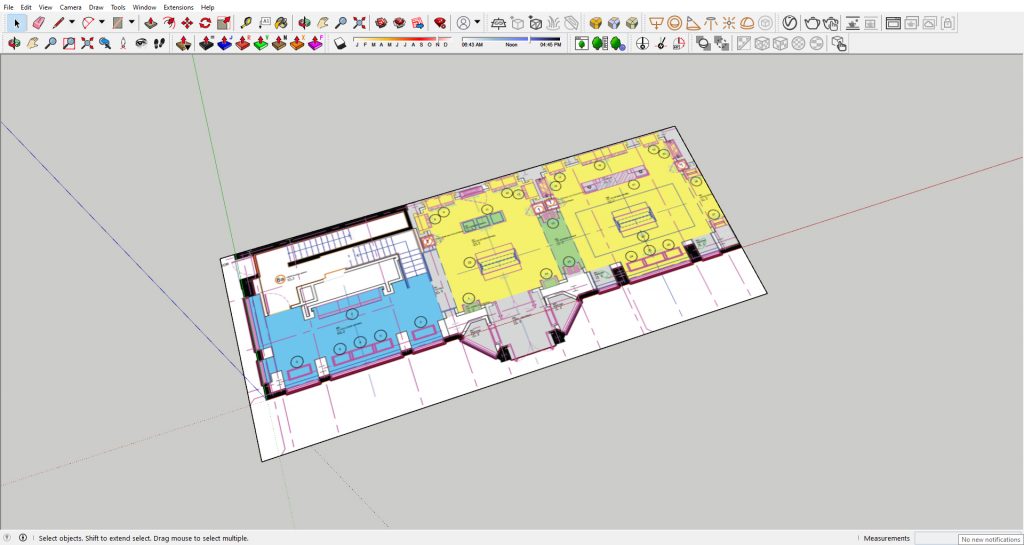
How to start? In the studio, we work with whatever files the clients give us. Some give us full cad plans, elevations, even Revit models. Some give us concept sketches, design pegs and mood board. In this case, we were just given a copy of this conceptual plan showing leasable spaces. Okay, no one is panicking, we got this.
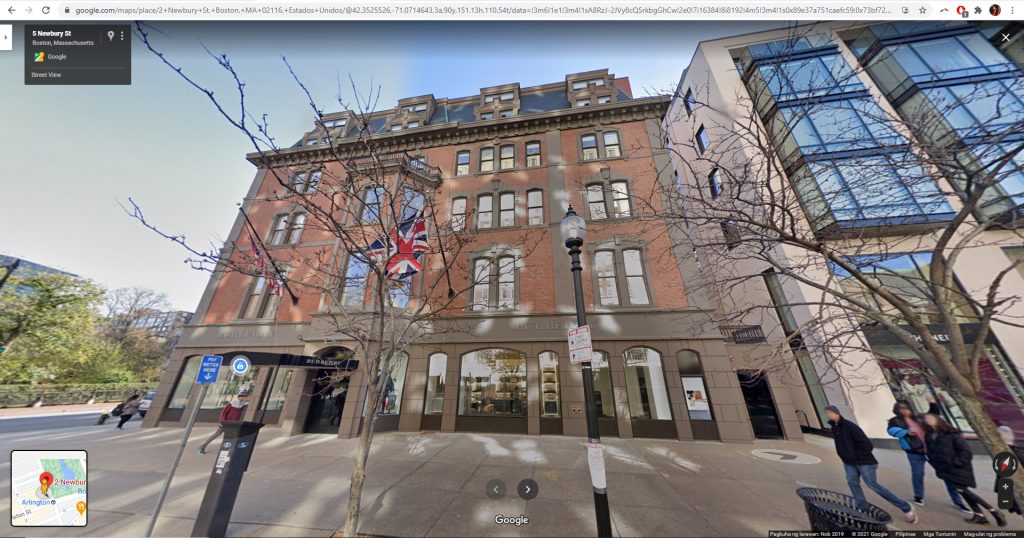
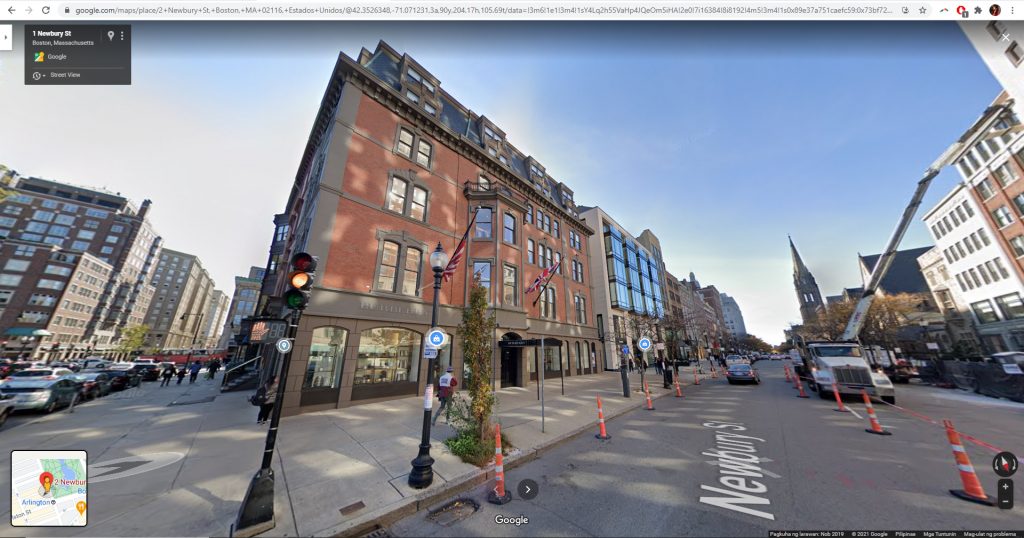
CHECK GOOGLE EARTH/ STREET VIEW
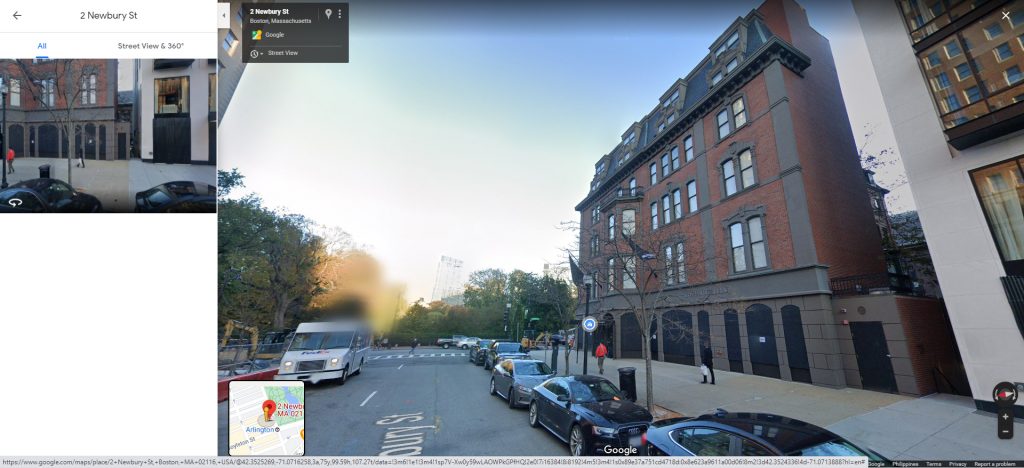
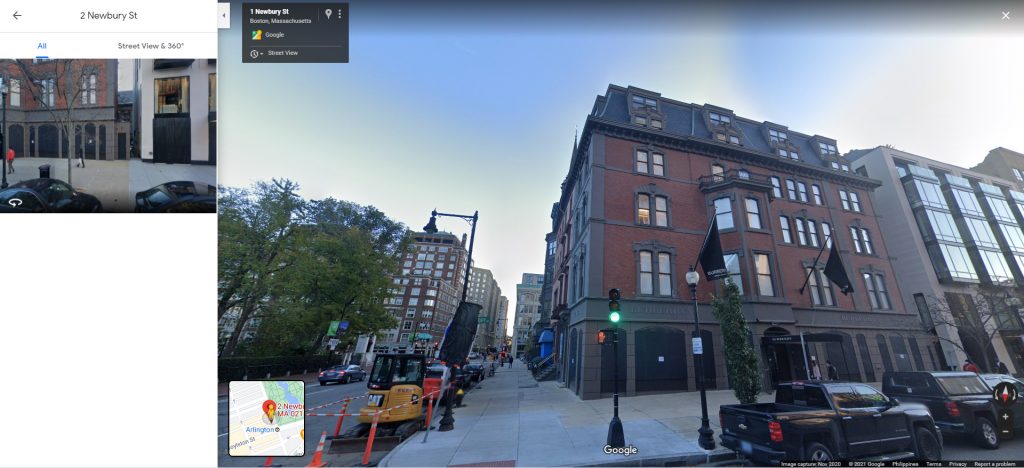
Our best friend ever since we got into the business of providing outsourced 3D renderings is Google Street View. We are based in Manila and we don’t usually never fly to project locations so to give us an idea of the surroundings, we turn to Google.

Usually, we just check what the streets look like to help us understand the project context and/or give us ideas for the background and foreground. In this case, we used Google street view to eyeball everything. We were not given building elevations so we did estimations and used our expertise to make things seemingly proportioned and looking just about right.
IMPORT FLOOR PLAN OR ANY IMAGE THAT CAN BE USED AS BASIS OF SCALE
We imported the plan image in Sketchup and scaled it according to measurements we got from Google Earth. This plan size will be the basis of all wall heights, window sizes, roof scale, etc.

BUILD UP THE PLAN.
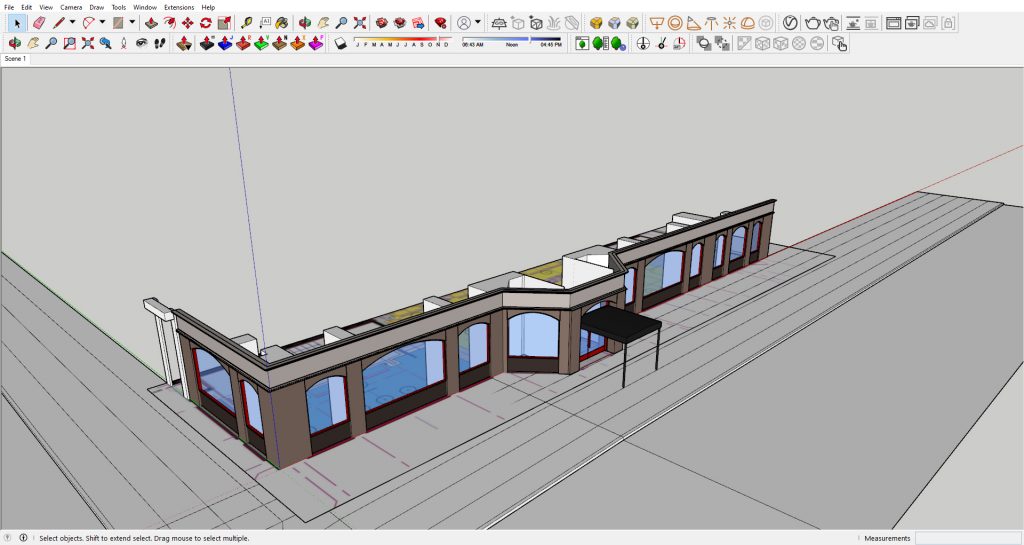
Start by protruding walls, setting floor boundaries then adding windows and doors…
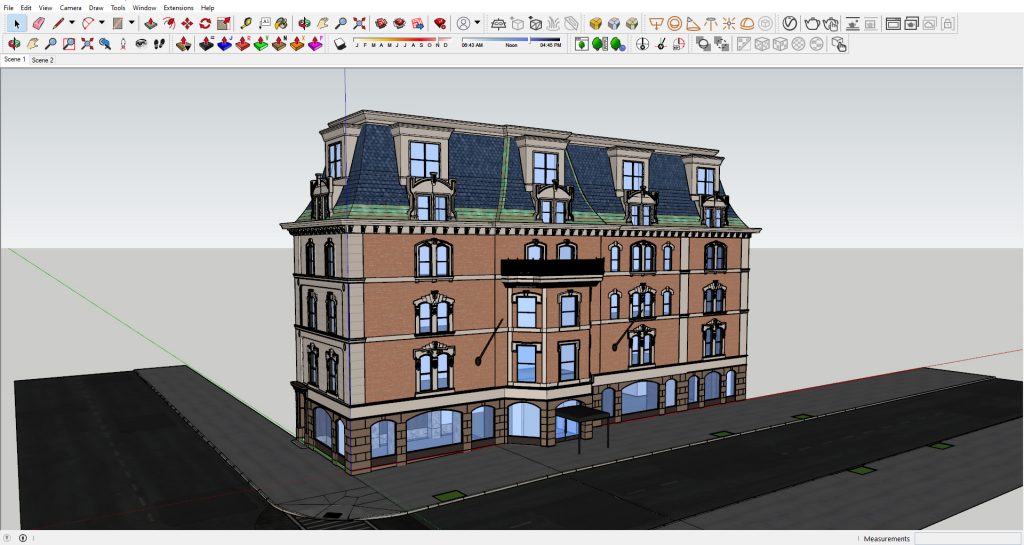
…and continue with the rest of the building.
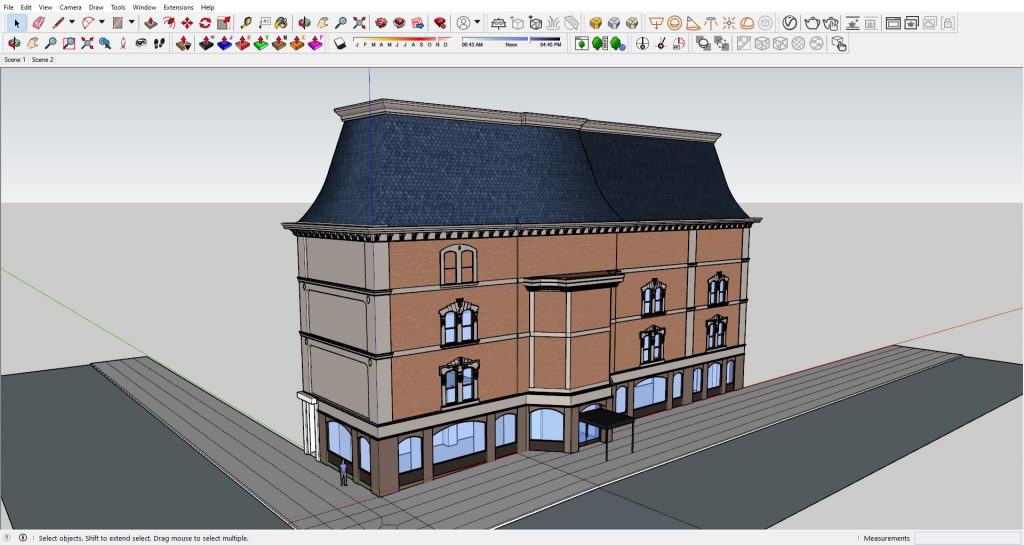
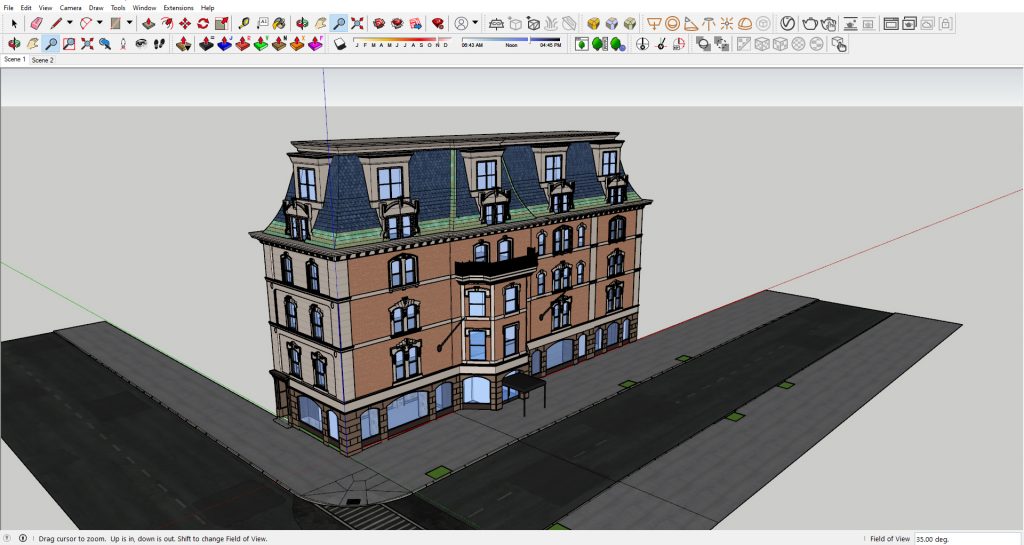
10,000 hours later and we are done! Kidding, we are only given less than 48 hours for this project and building it in 3D is just half of the job.


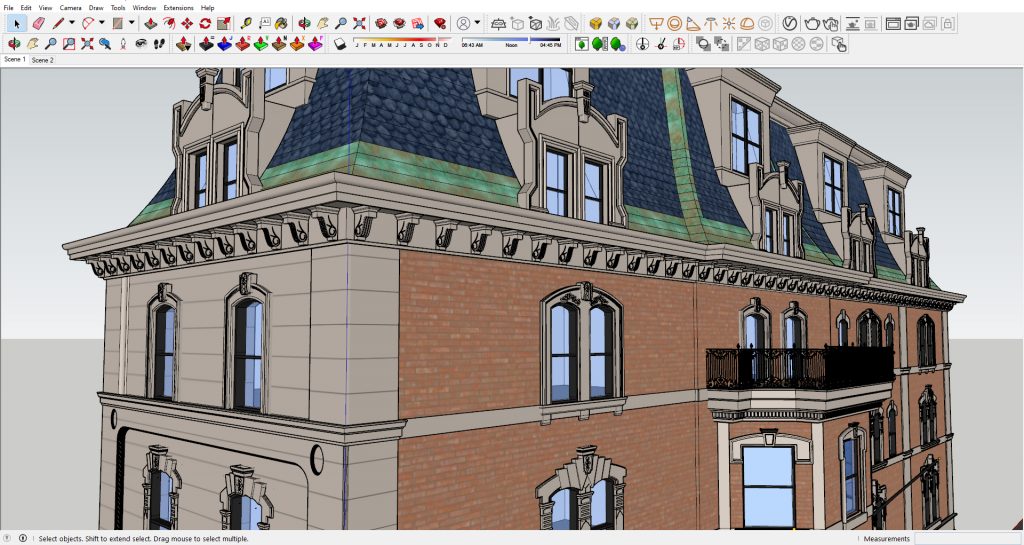
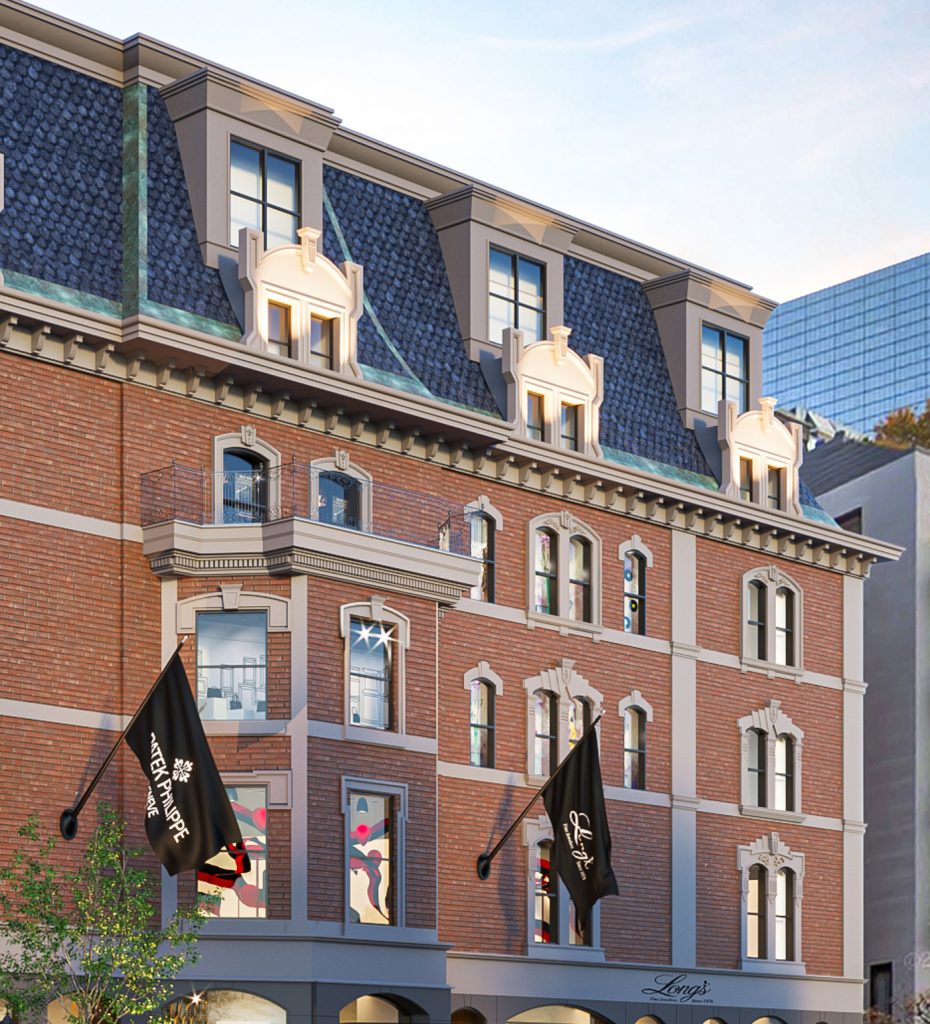
It is important for us that every groove, relief, projection, molding is reflected as 3D. We believe the secret in a great architectural visualization is the high level of detail in the 3D model. Some parts of it we achieved using texture mapping but most of it we created by pushing and pulling.
LIGHTING TEST
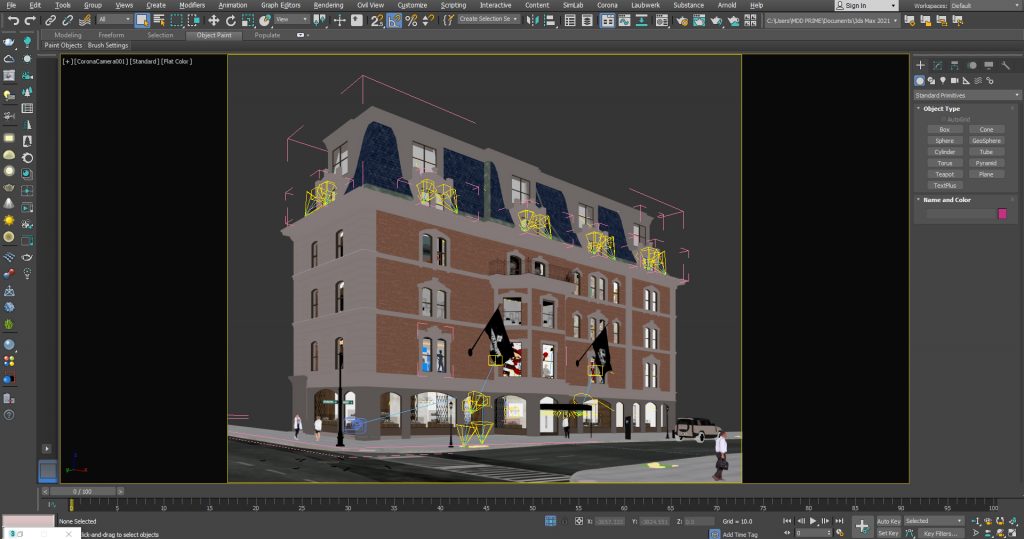
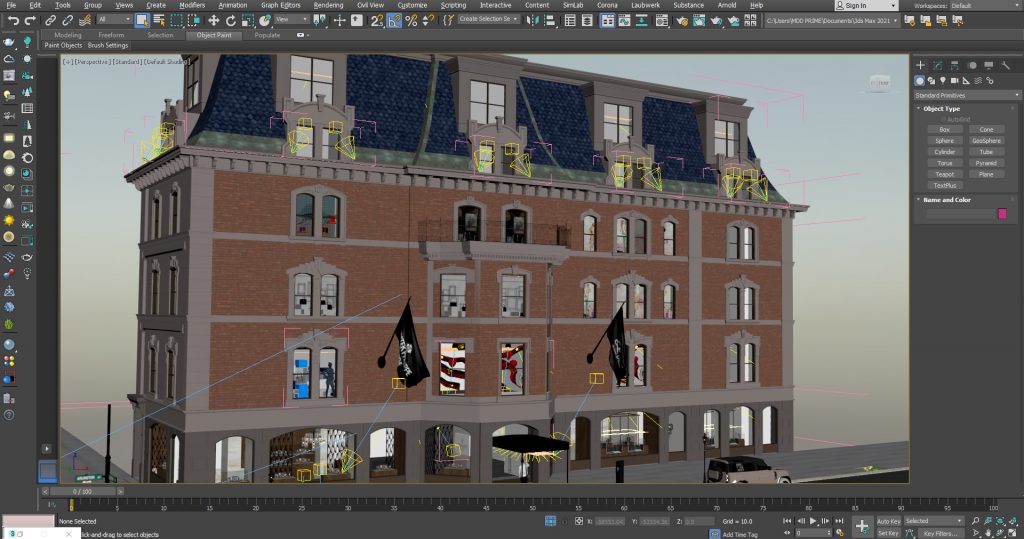
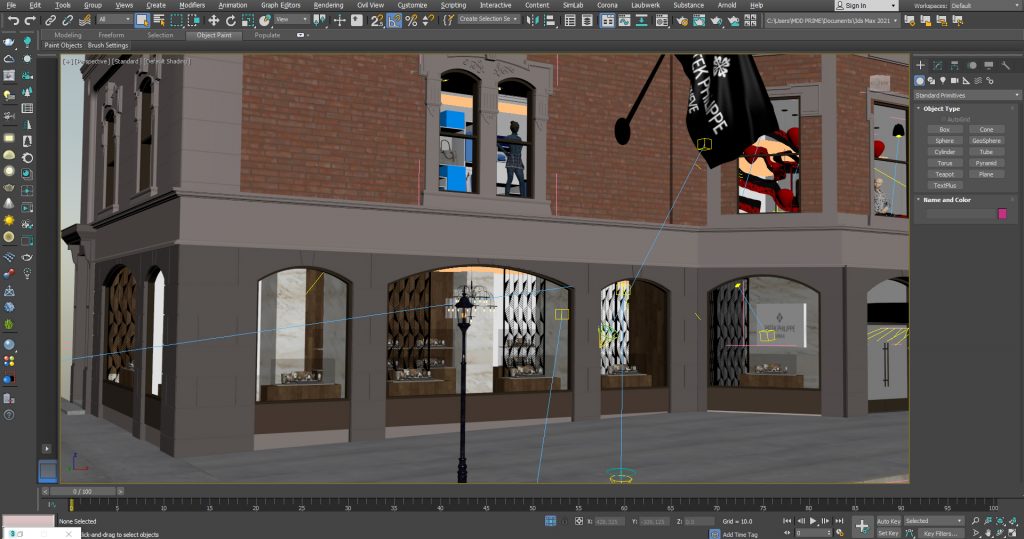
Once we were satisfied with the base model, we exported the Sketchup file into 3Ds Max where we set up the lighting and did further detailing (the signages, interior shops, entourage).
To those wondering why we had to use Sketchup initially then switch to 3ds Max midway, it is because we work faster in Sketchup when it comes to Architectural modelling. After using Sketchup for more than 9 years, it is just more time efficient for us to use. However, we believe we can achieve better details in 3ds Max because of nicer 3D components and models available in our collection. More importantly, we can utilize Corona Renderer which is not available for Sketchup.


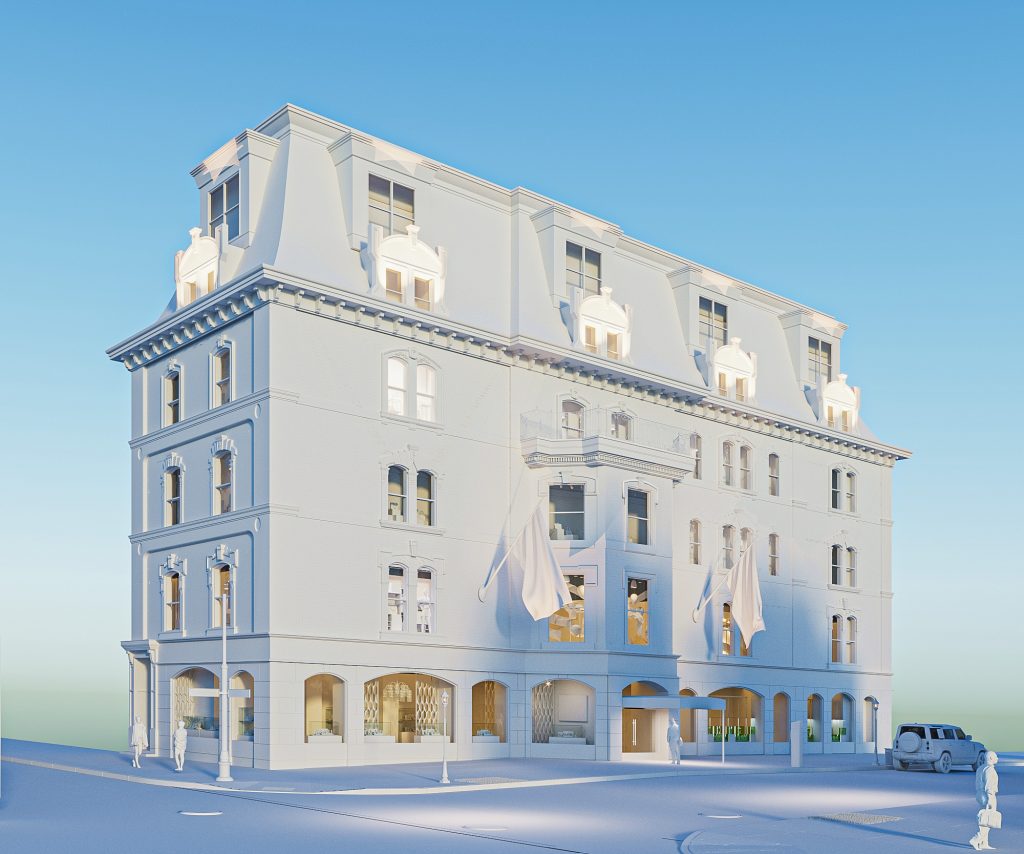
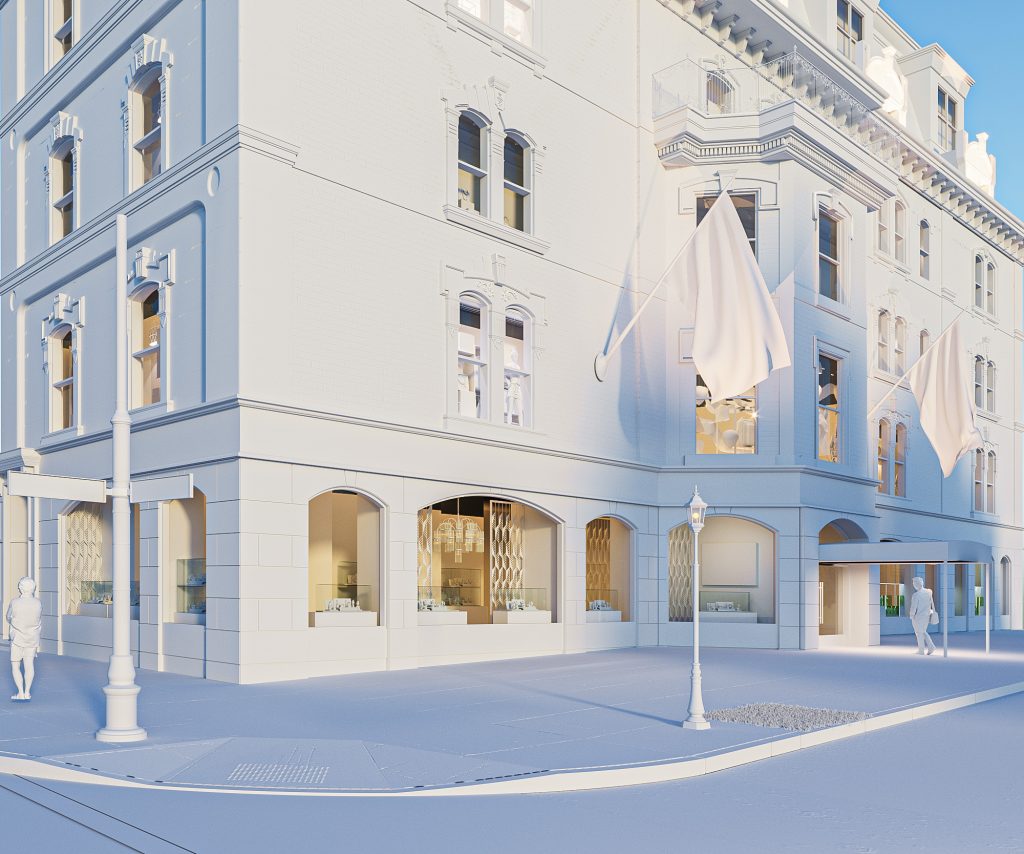
After another tedious process of 3D detailing and finally the light testing, here are clay models we created.


MATERIALS CHECK
Here we did a final review of materials and finishes using the images we have from Google Street View. Since we weren’t able to see the finishes in real life and were only relying on images taken on a specific time of day, we tried to recreate it using more or less the same environment.


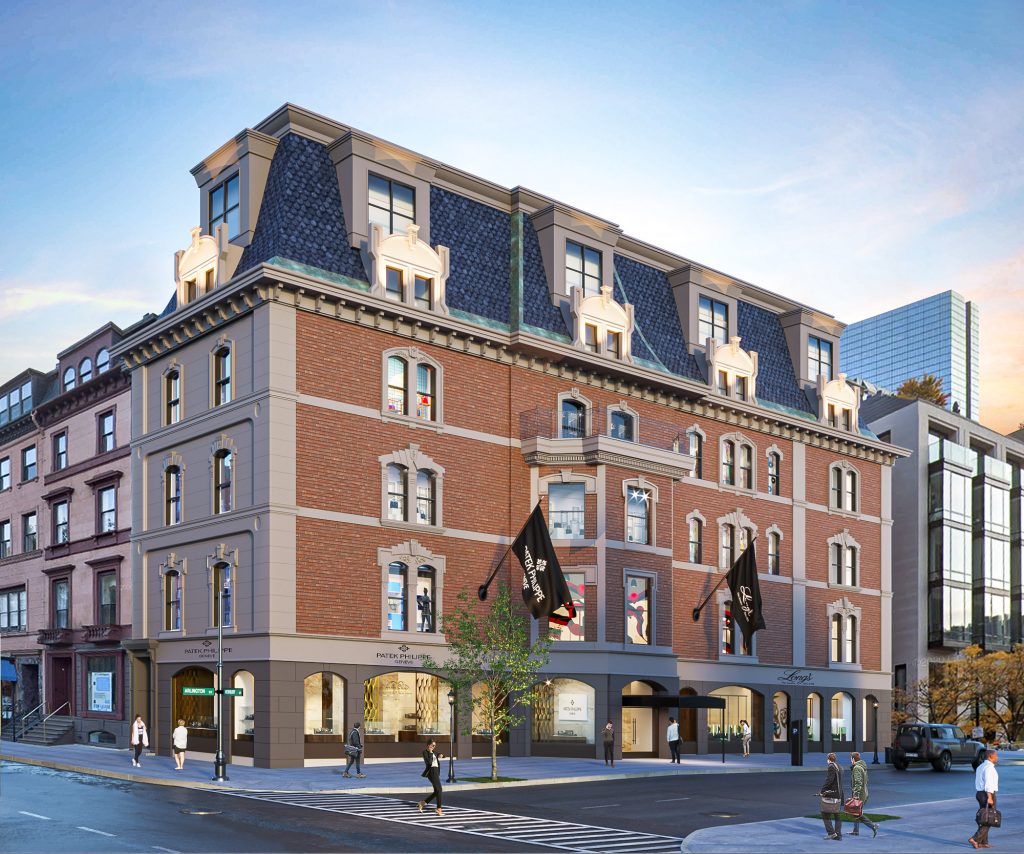
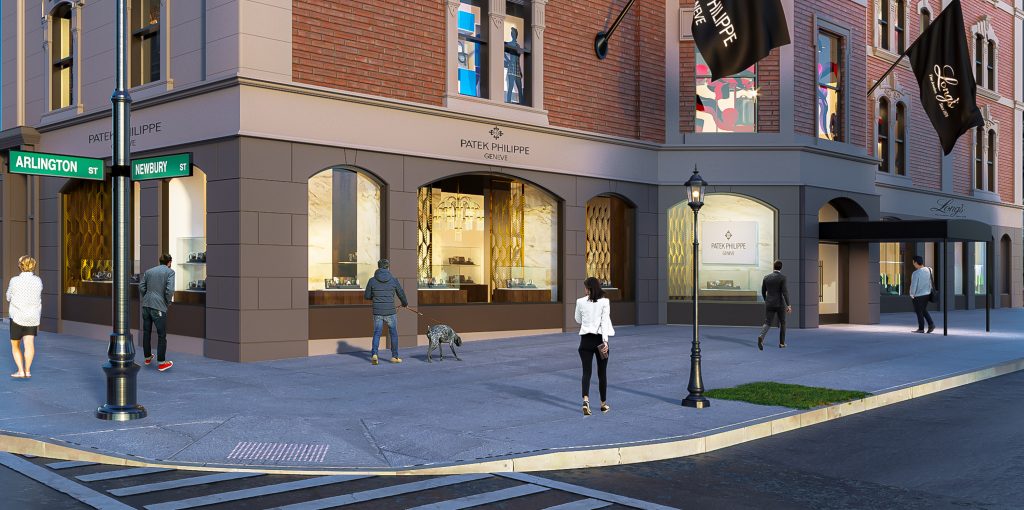
THE FINAL IMAGES


Let us zoom into the renderings to appreciate the details and effort put into creating the building.



So that’s it! We appreciate your time in reading about the process behind these architectural visualizations. Let us know how we did. As for what the clients think, we are leaving you guys with this.

PHOTOGRAPHED

3D RENDERED
Learning 3ds Max could be intimidating. As a Sketchup user myself, I have tried and failed a few times to get into 3ds Max before actually getting into it. A lot of people have been asking what software I use for the renderings. As of the moment, I use a combination of Sketchup (for modelling) and 3ds Max (for rendering) with the goal of eventually learning to do full Max in the future -of course, the option of using full SKP will always be there. I love and will always love Sketchup!
One of the earliest visualizations I did when practicing 3ds Max and Corona Renderer is a bedroom scene. I thought of sharing the “layers” of this rendering with you.
Not a tutorial – just an appreciation of what CGI can do.
From wireframe to default shading to clay rendering to the final image.